Instagram Insights: 9 Metrics to Track and What They Mean
Quick answer
Instagram Insights is the free analytics section for professional (creator or business) accounts. Open it from your professional dashboard, or tap View insights under a post, and track nine metrics including views, reach, saves, shares and profile visits.
- Views count repeats; reach counts different accounts.
- Review weekly for 10 minutes and monthly for 30.
- Insights shows visit counts, never who visited.
On this page10 sections
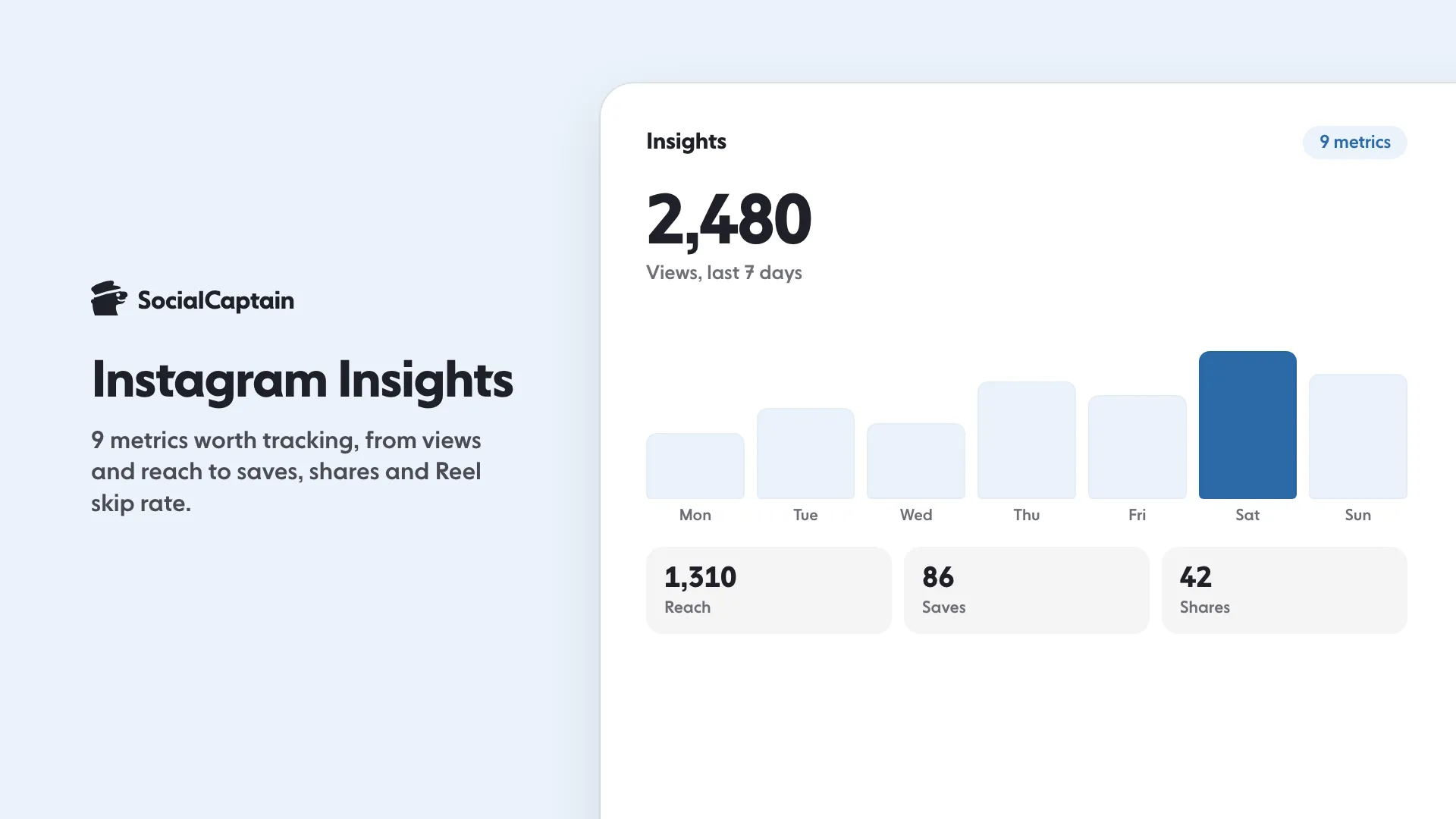
Instagram Insights is the free analytics section inside the Instagram app, and it shows how far your content travels and who responds. Nine metrics are worth tracking: views, reach, accounts engaged, profile visits, follower change, saves, shares, Reel skip rate with watch time, and audience activity. Open Insights from your professional dashboard or from a single post. This guide explains where to find each metric, what it means and how often to review it.
What is Instagram Insights?
Insights is Instagram’s built-in report on your account. It covers three areas: how many people saw your content, how they responded, and who they are.
Instagram has changed the layout several times. During 2025, Instagram replaced separate Impressions and Plays metrics with a single Views metric. In April 2026, Instagram reorganised Insights into three tabs, Overview, Engagement and Audience, and added share rate, skip rate and views over time. Names and positions can change again, so use the ideas below as a guide and match them to what your app shows.
Which accounts have Insights?
Instagram’s Help Center says that Insights is available for professional accounts, which means creator and business accounts. Switching is free and keeps your followers and posts. Professional accounts must be public.
Instagram has also made some basic account data available outside professional accounts, and its rules on this have changed over time. Check Settings in your own app to see what yours offers. For help choosing an account type, read Instagram Creator vs Business Account: 8 Differences.
Data in Insights is an estimate, and Meta says the metrics are still in development. Use it to compare your own posts with each other, not as an exact count.
How do you open it?
There are two entry points:
- Account level. Go to your profile and open the professional dashboard (on some versions, tap Insights). You can pick a time frame. Meta’s overview shows a preset or custom range within the last 90 days.
- Post level. Open any post, Reel or Story and tap View insights.
Which 9 metrics matter?
1. Views
The number of times your content was seen, including repeat views. It replaced Impressions and Plays. Use it to see which formats get watched, including story views.
2. Reach
The number of different accounts that saw your content at least once. Reach is equal to or lower than views. Some newer versions of the app label this number “viewers”.
3. Accounts engaged
The number of unique accounts that interacted: likes, comments, saves, shares and replies. It counts people, so five interactions from one person count once. For posts, Stories and Live, Insights splits this number into followers and non-followers.
4. Profile visits
How many times people opened your profile. It shows interest after a post. It does not show who visited, because Instagram does not reveal names.
5. Follower change
Follows minus unfollows. Compare it with profile visits to see how well your profile converts visitors into followers. A fix to the bio or link is worth testing if visits are high and follows are low.
6. Saves
How many people saved the post to see it again. A save tells you the content was useful, which makes saves a good guide for educational posts and checklists.
7. Shares
How many times people sent the post to others or shared it. Instagram’s head named sends as one of the three most important ranking signals in January 2025, alongside watch time and likes, and he said sends carry slightly more weight for reaching people who do not follow you yet. In April 2026, Instagram added a share rate figure to post and Reel insights.
8. Skip rate and watch time (Reels)
Skip rate is the share of views where the viewer left the Reel within the first seconds. Watch time is how long people watched. Together they tell you whether your opening works. If skip rate is high, change the first two seconds. If viewers watch to the end, make more Reels like that one.
9. Audience activity and demographics
Insights shows the days and hours when your followers are active, plus their age ranges, locations and gender. Use it to choose posting times and to check that the audience matches your offer. The free best time to post tool gives you a starting point until your data is stable.
How do you read reach and impressions?
Impressions no longer appear as a separate number in the main Insights view, because Views took over. If an older guide or a tool still shows impressions, treat it as the same idea as views: total times content was seen.
Read the pair together:
| Reading | What it suggests |
|---|---|
| Views much higher than reach | Many people watched more than once, or the Reel looped |
| Views close to reach | Most people saw it once |
| Reach mostly from non-followers | The post was shown beyond your audience |
| Reach mostly from followers | The post served your existing audience |
Use the follower and non-follower split to judge growth. A post that reaches mostly non-followers is the one most likely to add new followers. For ways to grow, see How to Get More Instagram Followers: 12 Tactics That Work.
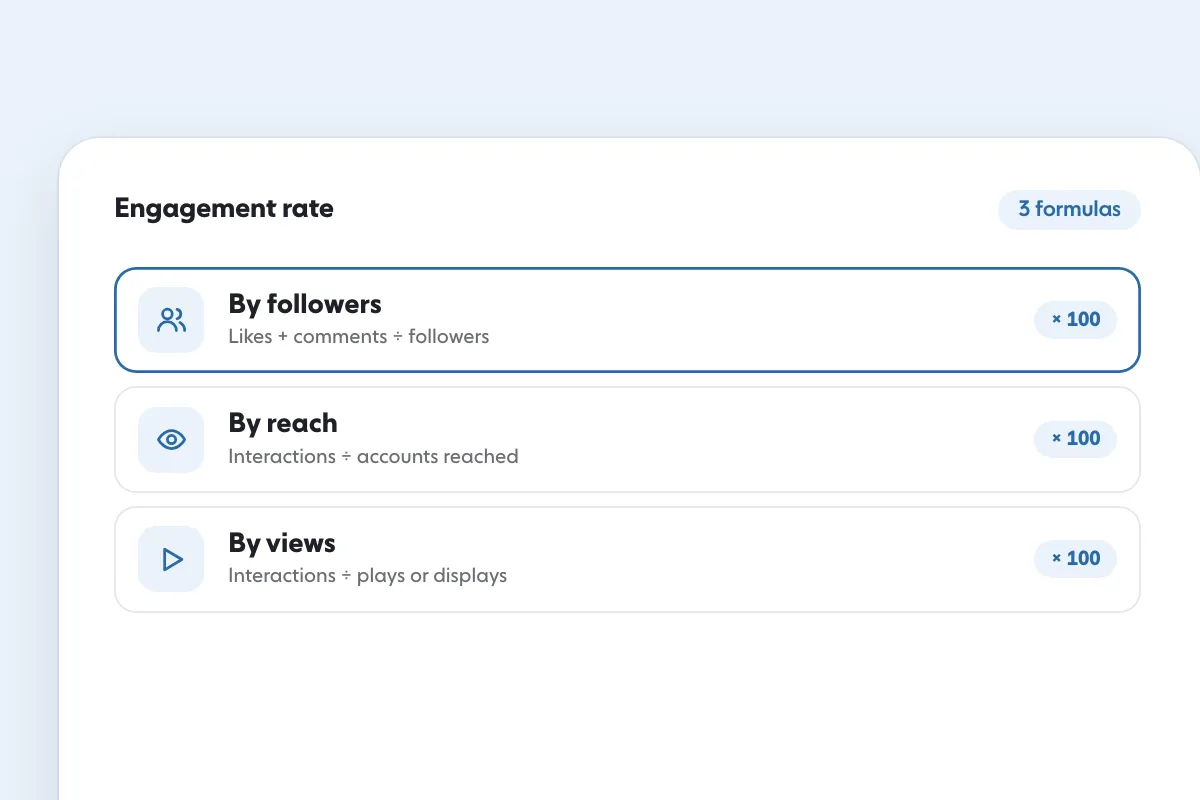
To turn these numbers into one rate, divide interactions by reach, or by followers. The free engagement rate calculator shows three formulas side by side. Instagram’s head advised creators to look at rates, not raw counts, because a large raw number can hide a weak response.
How often should you review?
A short weekly review and a longer monthly review are enough.
Weekly (10 minutes):
Monthly (30 minutes):
Do not judge a post in the first hours. Check it after a few days, because some Reels keep finding viewers over weeks. The April 2026 layout includes a views-over-time chart for this reason.
What do you do with the numbers?
Metrics only matter if they change what you post. Use this short guide:
- High reach, few follows: improve the profile and the call to action.
- High saves, low reach: the content is useful, so make the first frame and hook stronger so more people see it.
- High skip rate: rewrite the first two seconds.
- Many profile visits, few follows: change the bio, photo and pinned posts.
- Few shares: add a point worth sending, such as a tip or a list.
If you want more people to reach your profile while you improve it, SocialCaptain brings real followers from your niche, with a dashboard of its own. See pricing. To improve single posts first, read How to Get More Likes on Instagram: 9 Changes That Work.
Which mistakes make Insights misleading?
- Comparing reach with followers. Reach shows who saw a post, and followers show who chose you. They answer different questions.
- Judging by one post. Compare averages across several posts.
- Reading data too early. A Reel can keep gaining views for days. Wait before you decide it failed.
- Ignoring non-followers. The follower split shows whether a post worked as an introduction to new people.
- Treating estimates as exact. Meta describes these figures as estimates, so look at trends, not single digits.
FAQ
What is Instagram Insights?
Instagram Insights is the free analytics section in the Instagram app. It shows how many people saw your content, how they responded and who your audience is.
How do I see Instagram Insights?
Open your profile, then open the professional dashboard or tap View insights under a post, Reel or Story. You need a professional (creator or business) account.
What is the difference between views and reach?
Views count every time your content was seen, including repeat views. Reach counts the number of different accounts that saw it at least once, so reach is equal to or lower than views.
Which Instagram metric is most important?
It depends on your goal. For discovery, look at reach and shares. For interest, look at saves and profile visits. For audience quality, look at accounts engaged and follower change.
How often should I check Instagram Insights?
Once a week for a short review, and once a month for a longer comparison. Daily checking creates noise because single posts vary a lot.
Can I see who viewed my Instagram profile?
No. Insights shows the number of profile visits, not the names of the people who visited.
Sources
- About Instagram insightsfacebook.com
Related guides
Written by Lena Ashby
Creator business and analytics editor
Lena Ashby covers the business side of Instagram on the SocialCaptain blog: Insights and engagement rates, when to post, content plans and how creators earn. Each article says where its figures come from and lists its sources at the end.
All articles by Lena Ashby


