How to Increase Instagram Engagement: 11 Tactics
Quick answer
To increase Instagram engagement, ask one specific question in each caption, reply to comments within the first hour, post carousels, and make Stories interactive with poll and quiz stickers. Judge each change over about two weeks of posts.
- Write for saves and shares, which signal more than likes.
- Collab posts show on two profiles and reach two audiences.
- Track engagement rate, saves, shares and comments weekly.
On this page7 sections
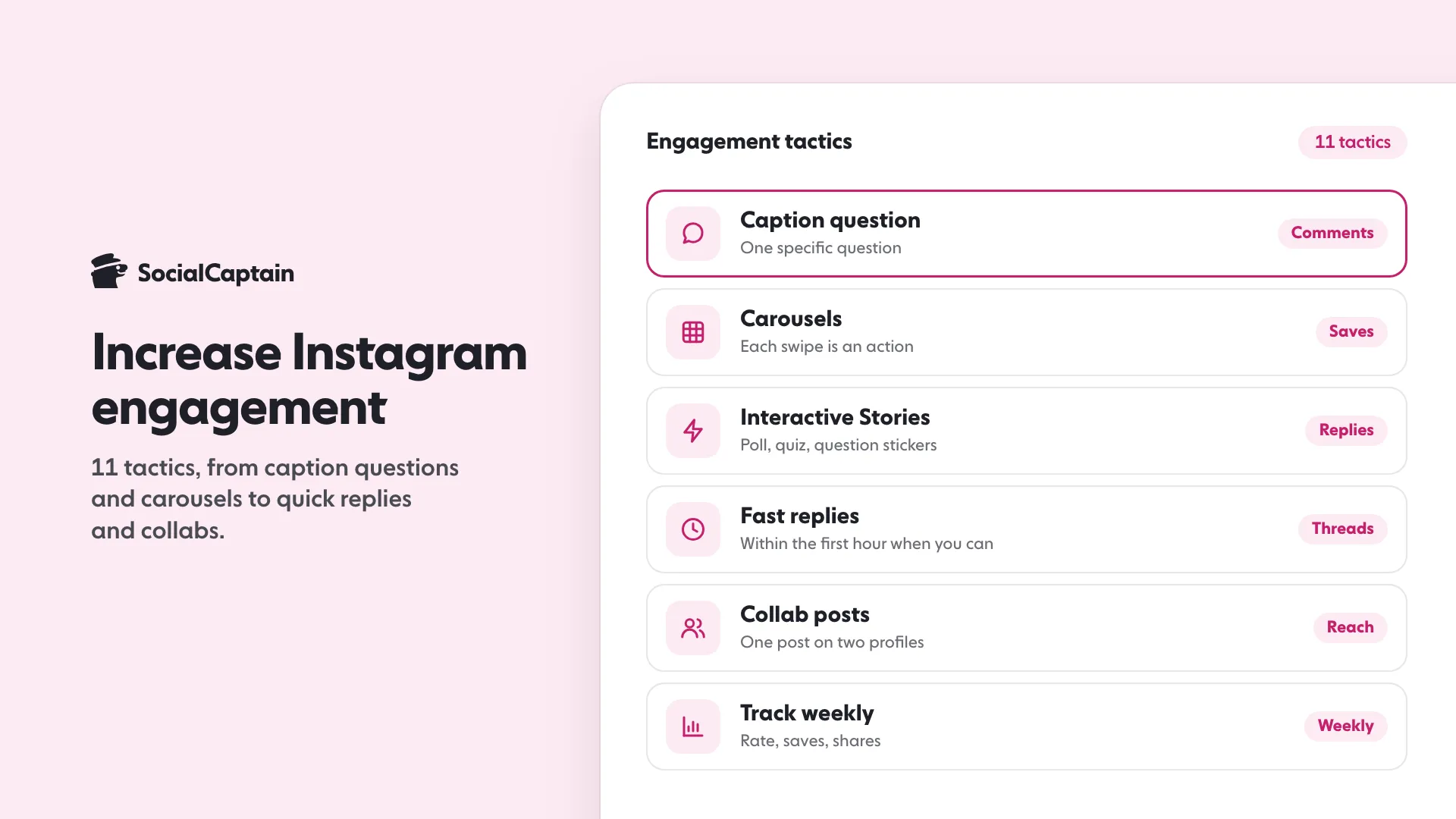
To increase Instagram engagement, use these 11 tactics: ask one clear question in captions, lead with a hook, post carousels, make Stories interactive with stickers, reply to comments fast, write for saves and shares, collaborate on posts, post when your audience is online, use fewer and more relevant hashtags, show real people, and repeat what works. Then track the result every week. Engagement means every action people take on your content: likes, comments, saves, shares and replies.
What counts as engagement on Instagram?
Engagement is any action a person takes on your content. The four that matter most are likes, comments, saves and shares, with Story replies and sticker taps as the equivalent for Stories. The share of your audience doing these things is your engagement rate, and you can work it out with the engagement rate calculator.
Not every action carries the same weight. A like takes a second. A comment takes thought, a save says “I want this later” and a share says “someone else should see this”. Aim for the heavier actions.
Which 11 tactics raise engagement?
- Ask one question in the caption. One specific question gets answers; three vague ones get none. “Which of these two would you pick?” beats “Thoughts?”.
- Lead with a hook in the first line. Only the start of a caption shows before “more”. Put the promise there.
- Post carousels. Each swipe is an action, and a carousel gives people several reasons to save it.
- Make Stories interactive. Poll, quiz, question and countdown stickers turn viewing into tapping. Instagram Stories Ideas: 40 Prompts and Sticker Plays lists prompts for each.
- Reply to comments quickly. An early reply invites a second comment and shows a real person is behind the account.
- Write for saves and shares. Checklists, templates, recipes and “send this to someone who…” posts give a reason to keep or pass on.
- Collaborate. A collab post shows on two profiles, so it reaches two audiences with one set of likes and comments.
- Post when your audience is online. Check when your followers are active in Insights, or use the best time to post tool as a starting point.
- Use fewer, more relevant hashtags. Instagram’s Help Center says you can use up to 5 tags on a post, so pick a few that describe the post; Do Hashtags Still Work on Instagram? 5 Findings for 2026 has the details.
- Show people. Faces, hands and real moments from behind the scenes feel different from stock-style images.
- Repeat what works. Sort your last 20 posts by saves and shares. The top three tell you what to make next.
What caption prompts get comments?
Prompts that ask for a short, personal answer work best:
- Choice: “Option A or B?”
- Fill in the blank: “The one tool I could not work without is ___.”
- Advice: “What would you tell someone starting out?”
- Opinion: “Hot take: … agree or disagree?”
Avoid asking for comments with no reason to give one. People answer questions about themselves faster than questions about you.
How fast should you reply to comments?
There is no official number from Instagram, so set your own habit: reply within the first hour when you can, and to every real comment on a new post for the first day. Ask a follow-up question in the reply to start a thread, since a thread is several comments, not one.
Do not use automated replies. Instagram’s Terms of Use ban creating accounts or accessing or collecting information in an automated way without its express permission, so bots can put the account at risk, which Instagram Bots: 5 Things They Do and the Risks of Each explains.
How do you track the lift?
Track three numbers weekly, in the same order, so changes are visible:
- Engagement rate per post, from the calculator or your own formula.
- Saves and shares per post, shown in Insights for public accounts.
- Comments per post, counting only replies from real people.
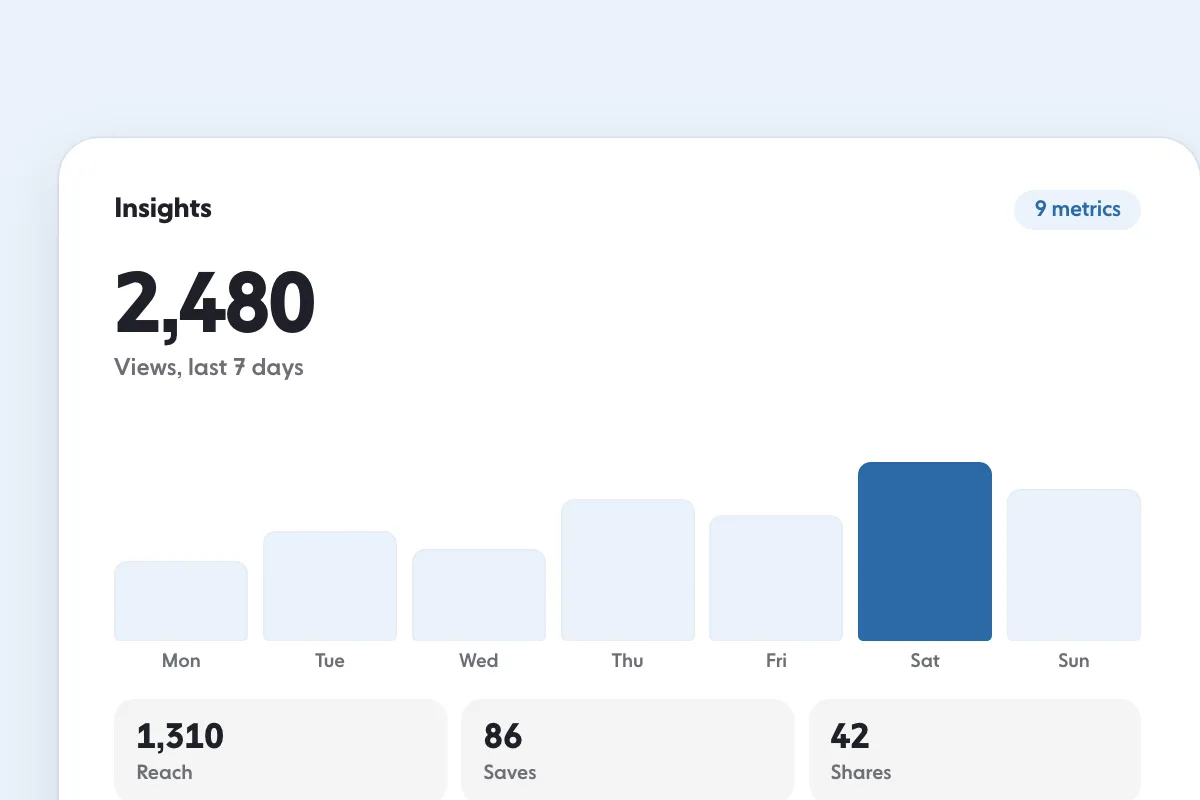
Change one tactic at a time and give it about two weeks. If you change five things at once you cannot tell which one worked. Instagram Insights: 9 Metrics to Track and What They Mean shows where each number lives.
Does buying followers change engagement rate?
Yes, in the wrong direction when the followers are fake. Engagement rate divides interactions by an audience, so accounts that never interact make the rate fall, and brands that check a profile notice. Followers who match your niche, country, language and interests and who are real people can interact, which helps keep the rate healthy. SocialCaptain’s plans are built around that kind of audience. Whatever you choose, keep posting content worth reacting to, because the audience only helps if there is something to engage with.
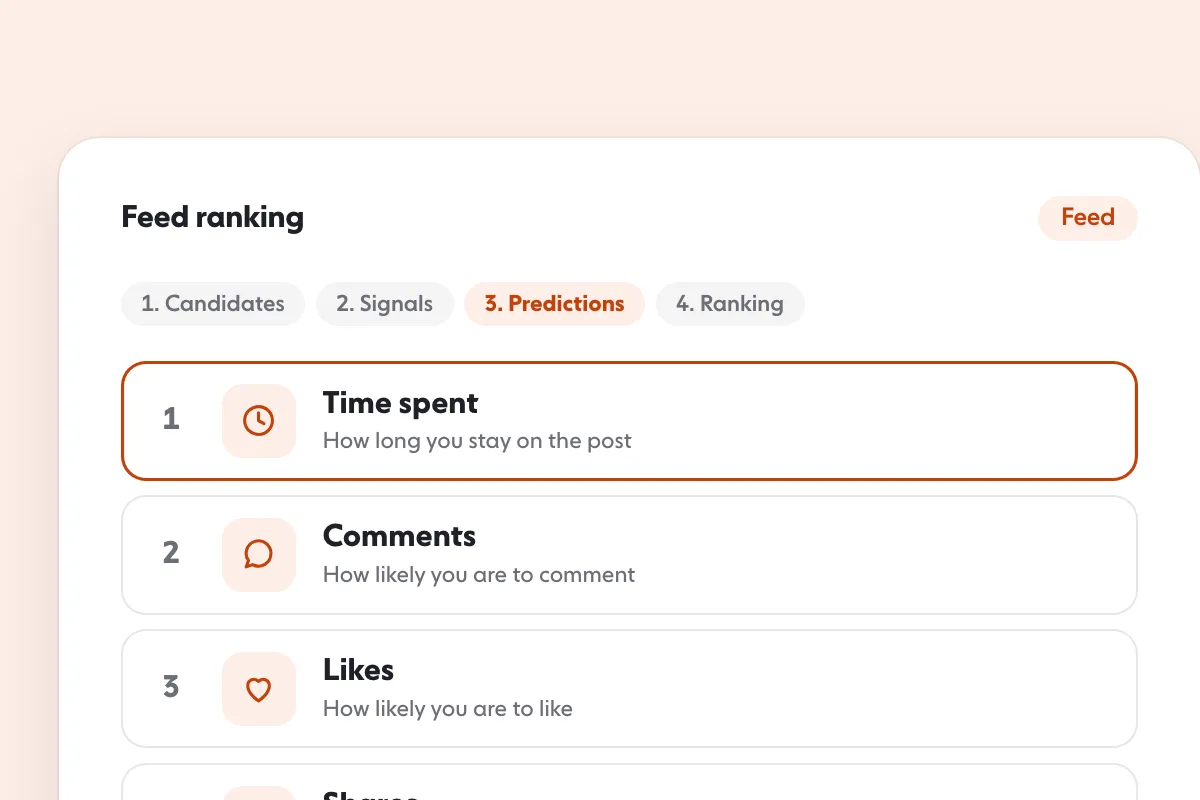
How to Get More Likes on Instagram: 9 Changes That Work goes deeper on the like itself, and Instagram Algorithm 2026: 5 Ranking Signals Explained shows why interactions decide who sees your next post.
FAQ
What is a good way to increase engagement on Instagram fast?
Ask one specific question in your caption and reply to every comment in the first hour. Then post a carousel or an interactive Story, since both ask for an action.
How do you get more comments on Instagram?
Ask for a short, personal answer: a choice between two options, a fill in the blank or a piece of advice. Reply quickly to start a thread.
Do hashtags increase engagement?
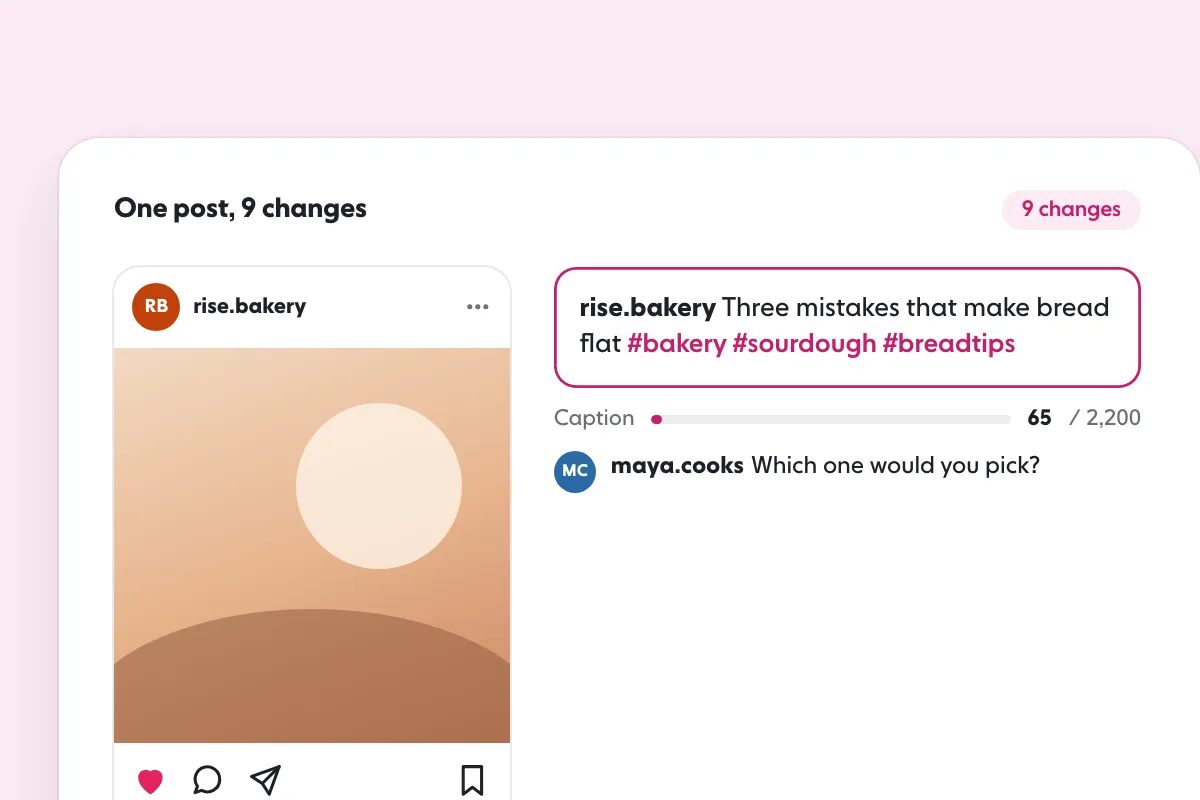
They put a public post on its hashtag page, which helps people find it, but no Instagram page says more tags raise reach. Instagram’s Help Center says you can use up to 5 tags on a post, so use up to five relevant ones.
How often should you post to keep engagement up?
Post at a pace you can keep. A steady schedule you can hold for months does more than a burst of daily posts followed by silence.
How long does it take to see engagement improve?
Change one tactic at a time and judge it over about two weeks of posts, comparing engagement rate, saves and shares before and after.
Related guides
Algorithm and reach
Instagram Algorithm 2026: 5 Ranking Signals Explained
Written by Lena Ashby
Creator business and analytics editor
Lena Ashby covers the business side of Instagram on the SocialCaptain blog: Insights and engagement rates, when to post, content plans and how creators earn. Each article says where its figures come from and lists its sources at the end.
All articles by Lena Ashby


