Real Estate Social Media: 9 Post Types and a Weekly Plan
Quick answer
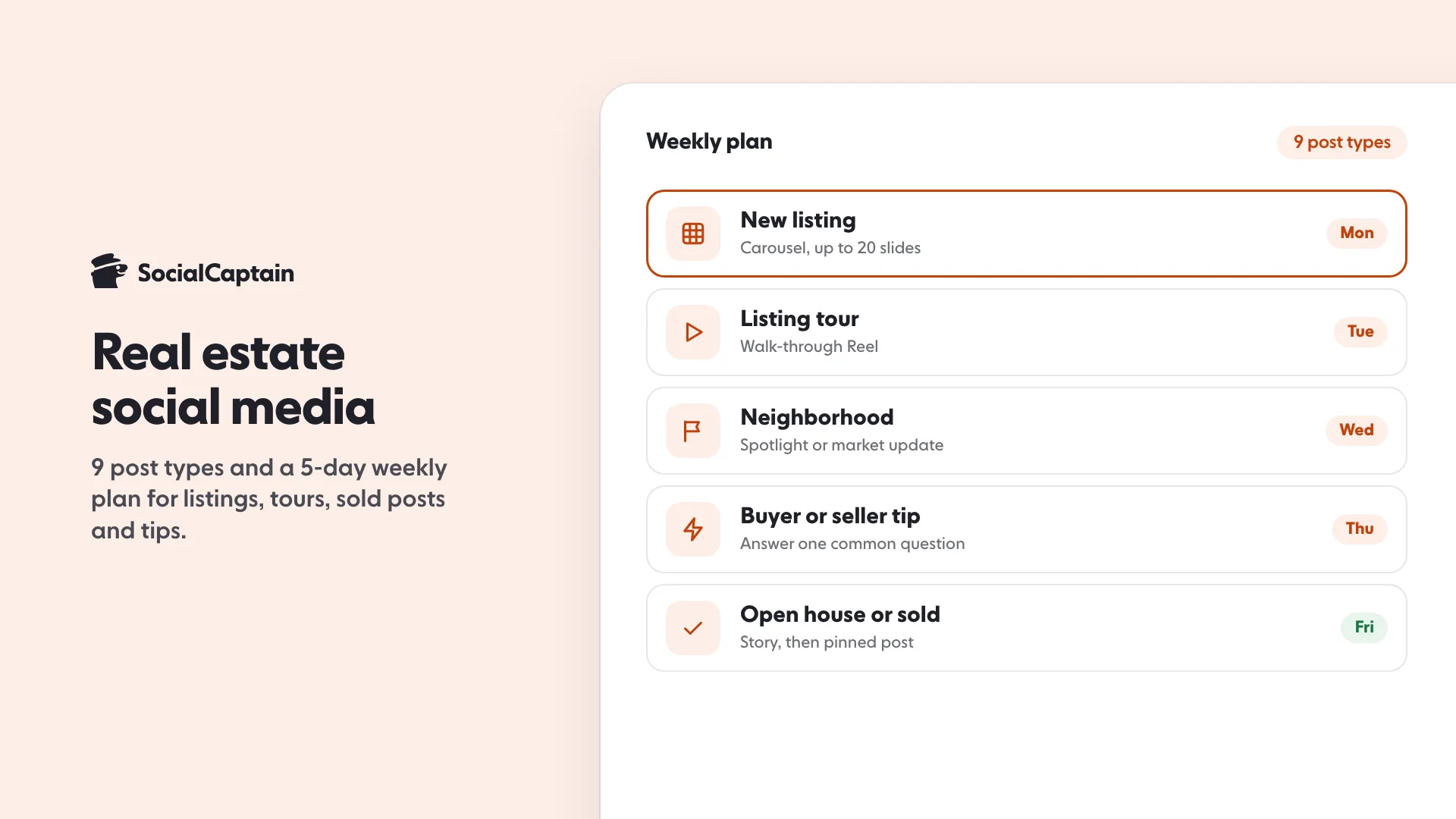
Real estate social media marketing works with nine post types: listing carousels, tour Reels, neighborhood spotlights, open house Stories, sold posts, market updates, tips, client stories and behind-the-scenes. A five-day weekly plan, starting with a listing carousel on Monday, keeps it consistent.
- A carousel holds up to 20 photos and videos
- US housing ads must choose a Special Ad Category
- Pin three posts: a listing, a sold post, a testimonial
On this page9 sections
Real estate social media marketing works best when each post has a clear job. These 9 post types cover the content buyers and sellers respond to: listing carousels, tour Reels, neighborhood spotlights, open house Stories, sold posts, market updates, tips, client stories and behind-the-scenes days. A 5-day weekly plan below turns them into a routine for Instagram and TikTok. The platform facts come from Instagram’s and TikTok’s Help Centers, read on 11 November 2026, and the post types are standard formats you can adapt to your market.
What are the 9 post types?
1. New listing carousel
A carousel can hold up to 20 photos and videos in one post, which is room for the front of the house, the main rooms, one detail shot and a floor plan. Instagram applies one orientation to every slide, so crop all your photos the same way. Add the location when you share the post. Our Instagram carousel guide has the full method.
2. Listing tour Reel
A 30-second walk-through from the front door to the best view. Film vertically, start with the strongest room and put the price range or neighborhood in the caption. Instagram Reel ideas shows more formats to borrow.
3. Neighborhood spotlight
A cafe, a park, a school route or a weekend market. Buyers are choosing a place as much as a home, and this content is useful even when you have no new listing.
4. Open house Story
Post a Story on the morning of the open house with the time and address, and another from inside. Save it to a Highlight afterwards. Highlights stay on your profile until you remove them, so create ones named Open houses, Sold and Buyer tips.
5. Sold or closing post
A photo of the keys or a short note about the process, with the client’s permission. It shows momentum without a boast and gives sellers a reason to call you.
6. Local market update
A single clear fact about your area, shown as a carousel with one point per slide. Name where the number comes from, and do not post a number you cannot source.
7. Buyer and seller tips
Answer the questions you hear every week: how an offer works, what to fix before listing, what an inspection covers. Use the questions as hooks.
8. Client story
A short testimonial in the client’s own words, shared only with their permission. See how to go live on Instagram if you want to host a live Q&A with a past client.
9. Behind the scenes
Signing day, staging, a day showing homes. It shows who you are, which is what makes people choose one agent over another.
What does a 5-day weekly plan look like?
| Day | Post | Format |
|---|---|---|
| Monday | New listing | Carousel |
| Tuesday | Listing tour | Reel |
| Wednesday | Neighborhood spotlight or market update | Carousel or Reel |
| Thursday | Buyer or seller tip | Reel or Story |
| Friday or weekend | Open house, sold post or behind the scenes | Story and a pinned post |
Rotate the client story and sold posts into the Friday slot. Adjust the days to when your audience is online; how to find the best day to post on Instagram explains how. If you want to plan the next month in one go, how to schedule Instagram posts covers the tools.
How should you set up your profile?
- Account type. Instagram says business accounts are best for retailers, local businesses, brands, organizations and service providers. A professional account also gives you tools to understand your growth and run ads.
- Pinned posts. You can pin up to 3 posts to the top of your profile. Pin a current listing, a sold post and a testimonial.
- Links. You can add up to five websites in your Instagram bio by going to Edit profile and selecting Links. Use them for your listings page, a booking link, your newsletter and your neighborhood guide. The link in bio tool builds a simple page, and how to add a link to your Instagram bio has the steps.
- Highlights. Keep Open houses, Sold, Neighborhoods and Buyer tips.
What about TikTok?
TikTok suits quick tours and tips. A photo post on TikTok can hold up to 35 photos, which makes it a simple way to turn listing photos into a swipeable post with a sound. Business use is better with a Verified Business Account if you want a website link without the 1,000-follower minimum; the TikTok business account guide explains the trade-offs. Reuse the same footage on both apps, but check each app’s safe zone before you add text; see TikTok aspect ratio and size.
Can you boost listings with ads?
You can boost a post if you have a professional account: tap the post, tap Boost, and set the goal, audience, budget and duration. Meta also says that if you are based in or target audiences in the US and your campaign relates to housing, employment, financial products and services, or social issues, elections or politics, you must choose the matching Special Ad Category. Housing ads are on that list, so check how your ad is classified before you spend. The step-by-step is in how to boost a post on Instagram.
How do you label partner content?
If a mortgage lender, stager or photographer pays you or gives you something of value to feature them, Instagram’s branded content policies require the paid partnership label. It is added in the Instagram app and applies every time you post branded content. Your own listings are not branded content.
How do you get more local eyes on your posts?
Local reach comes from consistent posting and from people nearby following you. Use location tags, post about places your buyers care about, and invite satisfied clients to follow. If you want a faster start, SocialCaptain adds real followers who match your niche, country and interests; see the Instagram followers page and pricing. For the full strategy behind this plan, read Instagram marketing strategy and how to get more Instagram followers.
FAQ
What should a real estate agent post on social media?
Post listings as carousels and tour Reels, neighborhood spotlights, open house Stories, sold announcements, local market updates, buyer and seller tips, client stories shared with permission and behind-the-scenes days.
Which social media platform is best for real estate?
Instagram suits photo-led listings and neighborhood content, and TikTok suits short tours and tips. Start with the one where your buyers already are, and reuse the same footage on the other.
How often should a real estate agent post?
Five posts a week is a workable plan: a listing, a Reel, a neighborhood or market post, a tip and a Story-led open house or sold update. Consistency matters more than volume, so pick a rhythm you can keep.
Can you boost real estate posts on Instagram?
Yes, with a professional account. Meta says that if you are based in or target the US and your ad relates to housing, employment, financial products and services, or social issues, elections or politics, you must choose a Special Ad Category, so check how your listing ad is classified.
What type of account should a real estate agent use on Instagram?
Instagram says business accounts are best for retailers, local businesses, brands, organizations and service providers, while creator accounts suit public figures and content producers. Most agents promoting listings and services choose business.
Do I need to label posts about a mortgage lender or stager I work with?
If they pay you or give you something of value to feature them, yes. Instagram’s branded content policies require the paid partnership label whenever there is an exchange of value.
Sources
- Share a post with multiple photos or videos on Instagramhelp.instagram.com
- Pin a post to the top of your profile on Instagramhelp.instagram.com
- Add a website to your Instagram profilehelp.instagram.com
- Add a story to your Story Highlightshelp.instagram.com
- About professional accounts on Instagramhelp.instagram.com
- Boost a post on Instagramhelp.instagram.com
- What is considered branded contenthelp.instagram.com
- Making a post | TikTok Help Centertiktok.com
Related guides
Follower growth
How to Get More Instagram Followers: 12 Tactics That Work
Follower growth
How to Boost a Post on Instagram: 7 Steps and Costs
Follower growth
Instagram Marketing Strategy: 7 Steps for Small Businesses
Written by Clara Ivens
Instagram growth editor
Clara Ivens covers Instagram growth on the SocialCaptain blog: followers, Reels, hashtags, bios, captions and how reach works. Each guide follows Instagram's own help pages and announcements, and lists its sources at the end.
All articles by Clara Ivens


