Why Am I Losing Instagram Followers? 9 Causes and Fixes
Quick answer
Common documented causes of lost Instagram followers are removals by Instagram of disabled, spam or fake accounts, wiped activity from automation apps, and your own removal of flagged followers. Small daily drops are normal; a sharp one-day drop most often fits a removal (our reading).
- Instagram does not show a list of who left.
- Removed accounts cannot be restored.
- A slow slope with falling views points to your content.
On this page7 sections
Why are you losing followers on Instagram? There are 9 main reasons: Instagram removed disabled, spam or fake accounts, it wiped activity from apps that automate follows, you removed flagged followers, a restriction slowed your growth, or real people unfollowed because the content changed. The first 5 are documented by Instagram, so you can check them. The last 4 are patterns that fit most profiles, and we label them as our reading. This guide gives the 9 causes, how to tell them apart and what to do about each.
Is it normal to lose Instagram followers?
Yes, and Instagram says why. Its help page on changes to likes, follows and comments states: “We routinely remove disabled accounts to keep Instagram safe.” It adds that related updates to your total followers and to the accounts you follow may change, even within a short time. So a count that moves down by a few every week is ordinary.
Worry about shape, not size. A slow drift of a few followers is normal churn. One sharp drop on a single day often points to a removal, which is our reading. A long slope down while your posts get fewer views points to the content. Keep that three-way split in mind as you read the causes.
Which 9 causes explain a follower drop?
1. Instagram removed disabled accounts
Instagram says accounts that do not follow its Community Standards may be disabled, and that once an account is disabled other people can no longer see it. If a follower’s account was disabled, it leaves your count without any notice. You cannot see which accounts went.
2. Spam and fake accounts were removed
The help page “Types of accounts that are removed from Instagram” says spam, fake accounts and other accounts that do not follow the Community Standards may be removed. If your account ever picked up bot followers, removals like this are the likely source of a sudden drop.
3. Activity from automation apps was wiped
Instagram says some non-Instagram apps create automated likes, comments and follows to make an account look more popular, that this breaks the Community Guidelines and that the activity is removed when discovered. On the page about apps that offer likes and followers, it adds that it may remove likes or engagement they generated. If you ever used one, expect those followers to disappear over time.
4. You removed flagged followers
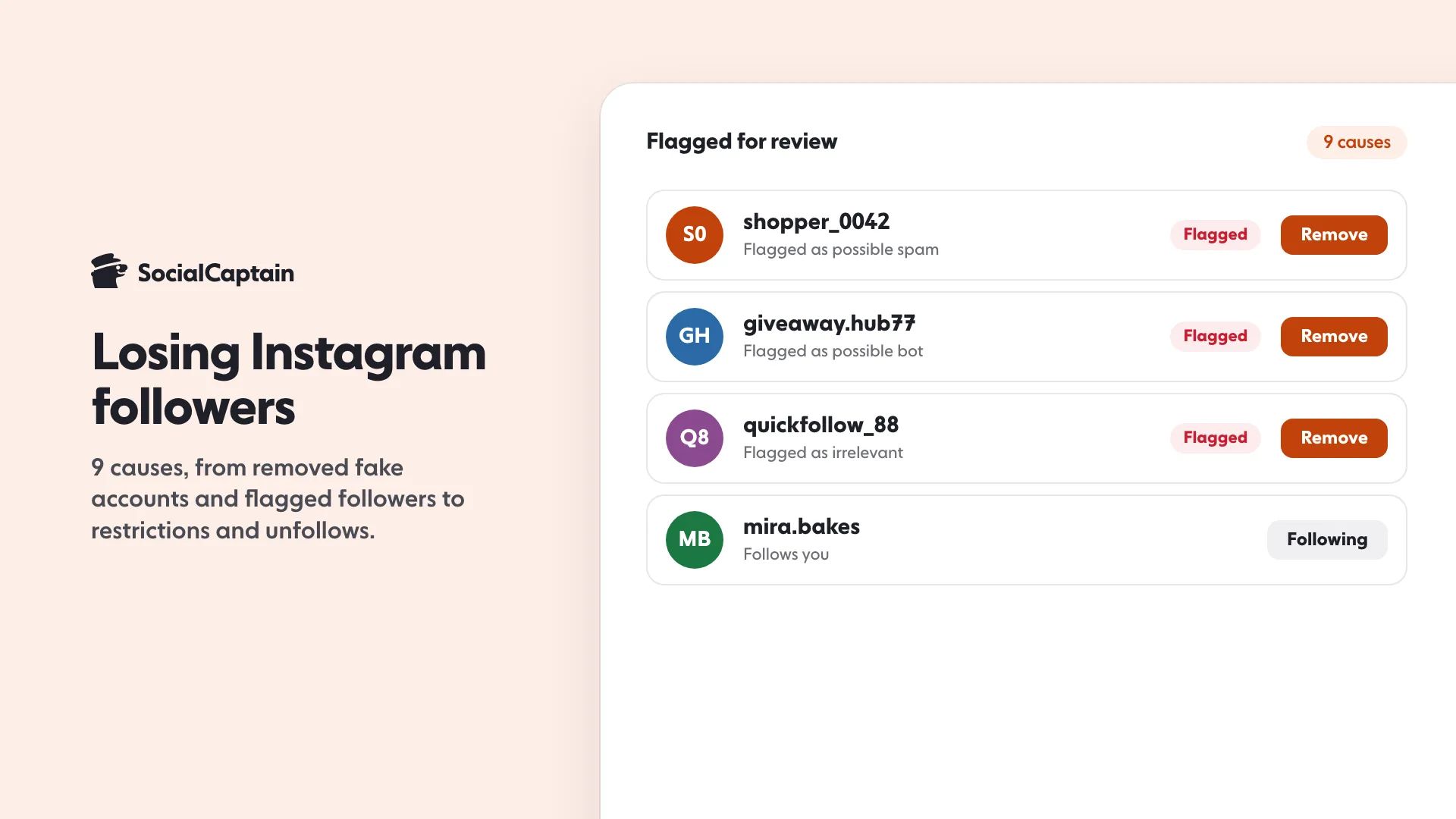
Instagram can flag followers that are potentially spam, bots or irrelevant, and shows a “Flagged for review” notice on your followers list. The help page says that once you remove them, they are removed from your follower count and list, and that they are not notified. If you tapped Remove all, the drop was your own doing, and it is the kind that helps. Incoming follows from flagged accounts arrive as requests, and unanswered ones are automatically declined after 30 days.
5. A restriction slowed your growth
Check Account Status: tap Profile, then Menu, then Account Status. Instagram’s page says it shows removed content and features you can no longer use. Instagram’s creator guidance also says Account Status shows whether your account or content is eligible to be recommended to non-followers. If it is not, new followers stop arriving, and normal churn then shows as a net loss. Instagram shadowban: 5 signs, how to check and 6 fixes covers what to look at.
6. Real people unfollowed (our reading)
Instagram’s pages give no list of unfollowers and no reasons. People leave when a profile stops being useful to them. The Insights tools in the creator guidance help here: they track your growth through views, engagement and followers, so you can see the day a drop began and what you posted around it. Who unfollowed me on Instagram: 4 ways to check shows how to find out who.
7. Your content drifted (our reading)
An account followed for baking tips that starts posting travel photos loses the people who came for baking. Check your last 12 posts against the topic your followers signed up for. If they no longer match, go back to the topic, or split the new subject into its own series.
8. You went quiet (our reading)
A long gap between posts leaves your audience nothing to react to, and Instagram’s own advice is to create content that engages. Compare your posting rhythm in the last month with the month before. Instagram posting schedule shows how to restart at a rate you can keep.
9. Follow-for-follow followers left (our reading)
People who followed back out of politeness often unfollow once the habit ends. If your growth came from mass following, losses follow it. Read follow for follow on Instagram: does it work? for how that plays out.
How do you check whether bots were purged?
Instagram does not give a list of removed accounts, so you work from the shape of the drop:
- Find the date. Open Insights and set the time frame so that the drop is visible. A one-day fall fits a removal; that is our reading, not an Instagram statement.
- Check your history. Did you ever buy followers, use a follow app or give an app your login? If yes, removal is the likely cause.
- Open the Flagged folder. On your profile, tap Followers. If Instagram flagged accounts, a “Flagged for review” notice appears.
- Look at engagement. If followers fell but likes and comments per post did not, the people who left were probably not engaging in the first place. Our free Instagram engagement rate calculator gives you the number to compare before and after.
How do you stop the drop?
Match the fix to the cause:
- After a removal: nothing to restore. Keep the account clean and stop any app that holds your login. Instagram says accounts that keep using such apps may find parts of the account limited, or may be disabled.
- After a restriction: fix what Account Status lists, or request a review of removed content.
- After content drift or silence: go back to the topic that earned the follows, and post at a pace you can hold.
- After follow-back growth: stop it, and replace it with posts people choose to follow for.
Then measure. How to increase Instagram engagement lists the changes that move comments and shares, which is the surest way to keep followers.
How do you win followers back?
You cannot bring back removed or deleted accounts. Instagram’s page on disabled accounts says a deleted account cannot be restored. The goal is to refill the account with real people, which takes two things: content that fits one topic, and visibility to people who care about that topic. For the second, SocialCaptain shows your profile to real people who match your niche, country, language and interests, never bots, and asks for your username, never your password. For the do-it-yourself side, start with how to get more Instagram followers, and set a pace with How to get 10K Instagram followers: 10 milestones, 90 days.
FAQ
Is it normal to lose Instagram followers?
Yes. Instagram says it routinely removes disabled accounts, so the total number of followers on your account and the number you follow may change, even within a short time. Small daily movement is normal; a sudden drop is worth checking.
Why did my followers drop overnight?
The most documented reasons are removals by Instagram: disabled accounts, spam and fake accounts, and activity from apps that automate likes and follows. A removal of flagged followers by you also lowers the count straight away.
Can you see who removed or unfollowed you?
Instagram does not show a list of who left. It does say that flagged followers you remove are not notified. To check by hand, read our guide to the 4 ways to see who unfollowed you.
Do removed fake followers hurt my account?
Instagram says flagged accounts can affect your discoverability and your ability to build authentic engagement with real followers. Once flagged followers are removed they disappear from your count and list, so the lower number reflects fewer spam, bot or irrelevant accounts.
How do you get followers back?
You cannot restore removed or deleted accounts, and Instagram does not list who left. What you can do is post content your audience wants, fix any account restriction and let real people in your niche find the profile.
Sources
- Changes to your likes, follows or comments on Instagramhelp.instagram.com
- Types of accounts that are removed from Instagramhelp.instagram.com
- About disabled Instagram accountshelp.instagram.com
- Manage unwanted followers on Instagramhelp.instagram.com
- Why you should not use apps that offer likes and followers on Instagramhelp.instagram.com
- Check your Account Status on Instagramhelp.instagram.com
- Tips for Improving Your Reachcreators.instagram.com
- Understand Instagram Insightscreators.instagram.com
Related guides
Follower growth
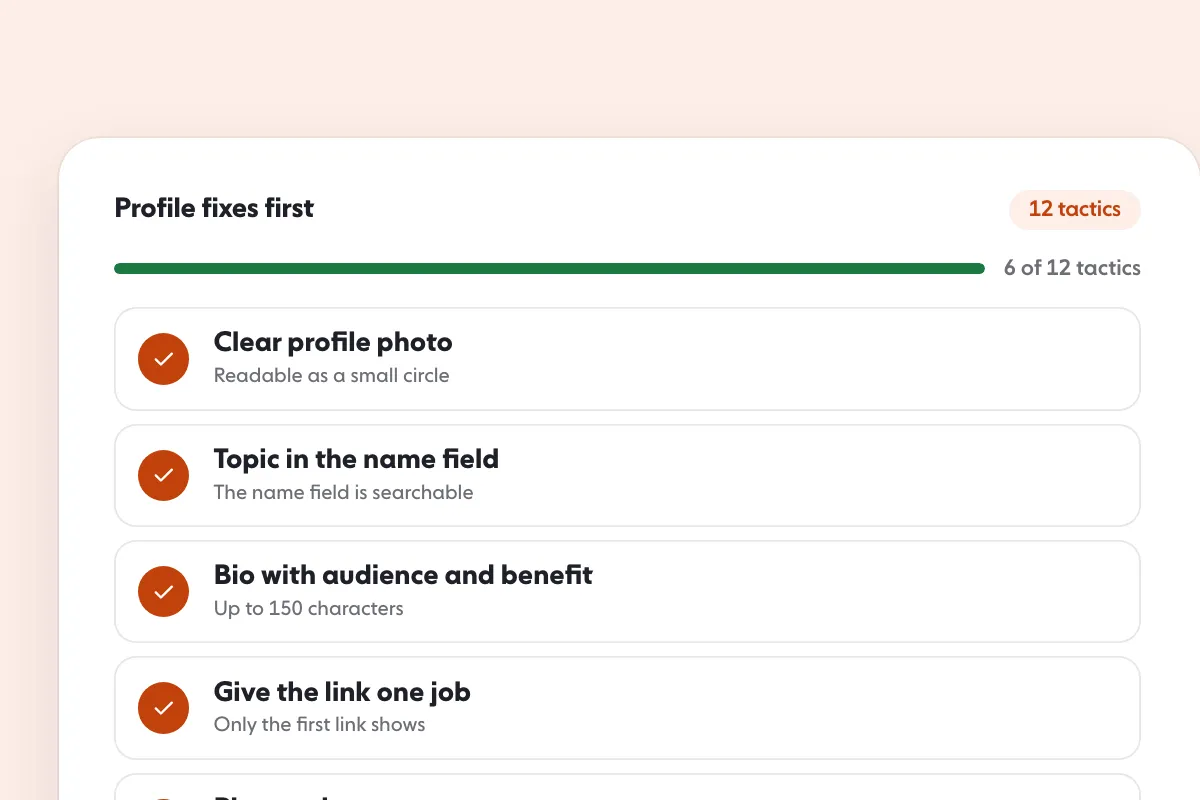
How to Get More Instagram Followers: 12 Tactics That Work
Algorithm and reach
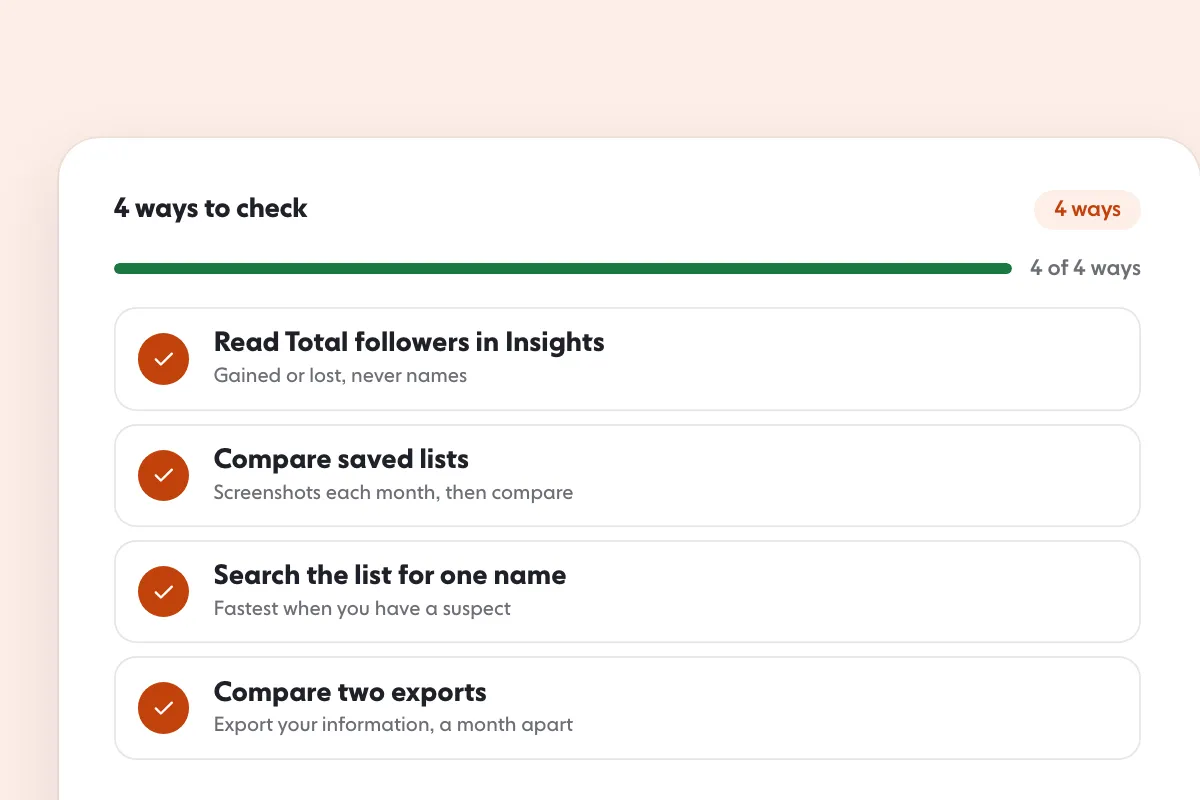
Instagram Follower Tracker: 3 Ways to See Unfollowers
Written by Clara Ivens
Instagram growth editor
Clara Ivens covers Instagram growth on the SocialCaptain blog: followers, Reels, hashtags, bios, captions and how reach works. Each guide follows Instagram's own help pages and announcements, and lists its sources at the end.
All articles by Clara Ivens


