Instagram Follower Tracker: 3 Ways to See Unfollowers
Quick answer
Instagram does not show who unfollowed you, only counts. To find names, compare an older copy of your follower list with the current one, search the list for one username, or compare two exports of your Instagram information.
- Insights Total followers needs at least 100 followers and shows no names.
- Insights covers only the past 90 days, so keep your own records.
- Tracker apps that ask for your login can break Instagram's terms.
On this page9 sections
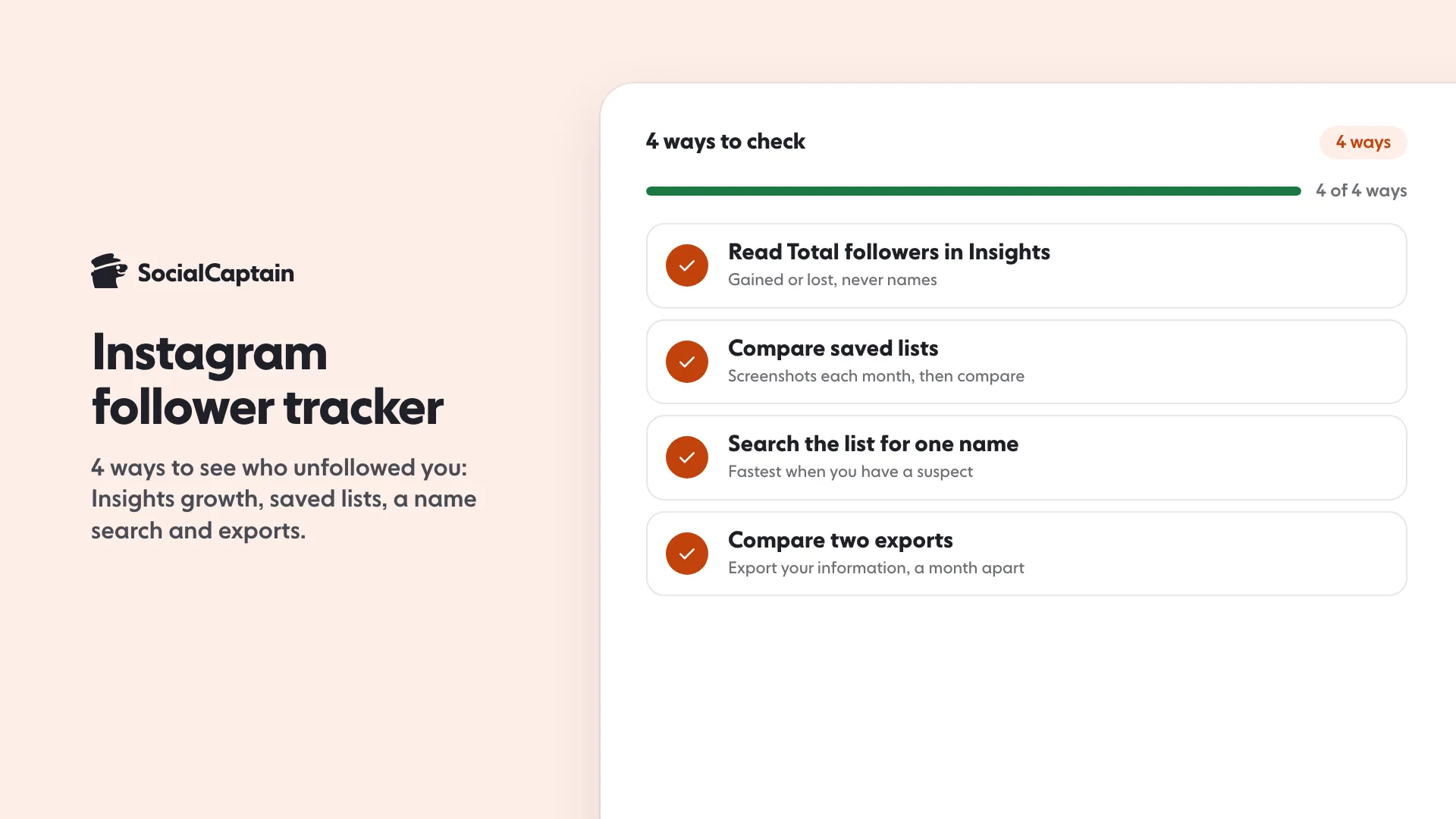
Instagram has a follower tracker built in, and it shows counts, not names. In Insights, Total followers shows your growth (the number of followers you gained or lost), their top locations, their age range and the times they are most active, once you have at least 100 followers. To see names you need one of 3 manual methods: compare saved copies of your follower list, search the list for one username, or compare two exports of your Instagram information. This guide covers all 4, and what to check before you give any tracker app access to your account.
The 4 ways, from quickest to most thorough:
- Read Total followers in Insights for the growth count.
- Compare saved copies of your follower list month to month.
- Search your follower list for one username.
- Compare two exports of your Instagram information.
What does Instagram’s own follower tracker show?
Instagram’s help center lists the insight called Total followers. When you have at least 100 followers, it shows:
- Growth, the number of followers you have gained or lost.
- Top locations of your followers.
- Age range.
- Times they are most active on Instagram.
You need a public account to use Insights, and you choose a preset or custom timeframe within the past 90 days. To open it, tap your profile, then the Professional dashboard (or Your dashboard on a personal public account) and pick Total followers.
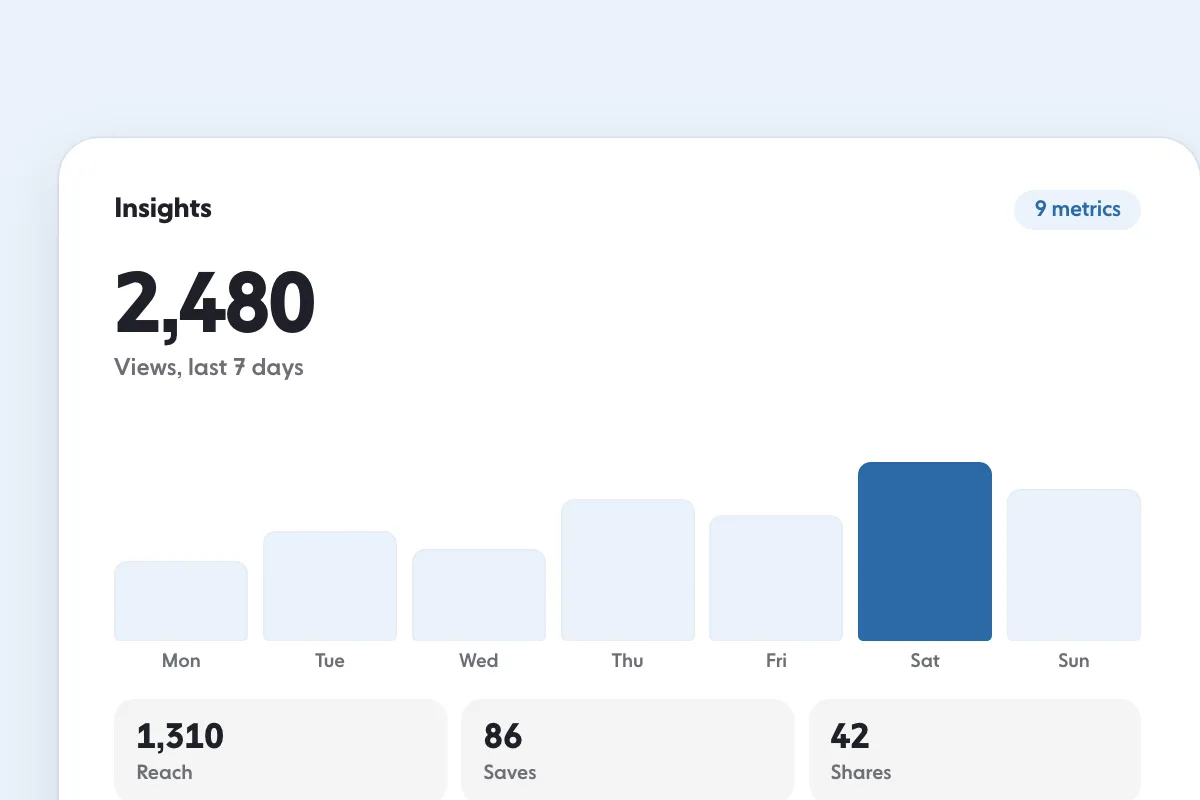
Use it to answer one question: is the account growing or shrinking? It never answers who. A number like “gained or lost” does not name anyone, so the three methods below fill that gap. Instagram Insights: 9 Metrics to Track and What They Mean explains the other numbers on the screen.
Can you see who unfollowed you?
Not directly. Instagram shows your follower count and the growth figure above, and does not publish a list of people who left. What you can do is keep your own record and compare it. The methods below run from quickest to most thorough.
How do you check manually with saved lists?
This suits an account with a few hundred followers and takes a few minutes a month.
- Open your follower list and take screenshots as you scroll. A screen shows a handful of names, so a few hundred followers take a few dozen screenshots.
- Store them in one album named with the date, for example “followers November”.
- Next month, open the list again and compare it with the oldest album. Names in the old screenshots that are missing from the new list are the people who left.
Compare month to month rather than day to day, since a person who leaves on Monday sometimes returns on Friday. For a larger account, use the export below.
Can you search the follower list for one name?
Yes, and it is the fastest check when you have a suspect. Open your follower list, type the username into the search box at the top and see whether the account is still there. Compare presence, not position.
Can you export your followers?
Instagram lets you export a copy of your information. On the web:
- Click More in the bottom left, then Settings.
- Click Meta Account, then Your information and permissions.
- Click Export your information, then Create export.
- Select your profile, click Next, then choose Export to device.
- Choose the specific information to export, a date range, the format and a notification email, then click Start export.
Instagram says it may take up to 30 days to email the export link, and that you then have 4 days to download it from the Available downloads section. Its help pages describe the tool and the two selection options, Available information and Specific types of information, but do not name the follower file, so choose the connections data if the screen offers it. Save each export with its date, then compare two exports a month apart. Because of the wait, treat the export as a monthly check, not a daily one.
Are follower tracker apps safe?
Tracker apps promise a live list of who left. Two Instagram rules decide whether that is safe:
- The Terms of Use. Instagram says you can’t access or collect information in unauthorized ways, and that this includes accessing or collecting information in an automated way without its express permission, whether or not the automated access happens while logged in.
- The 2018 notice on inauthentic activity. Instagram said it would remove inauthentic likes, follows and comments delivered by third-party apps, ask people who had shared login details with them to change their password, and that accounts that keep using such apps may see their Instagram experience affected. It also said sharing login details lets the app use the account, which makes it less secure.
Before you install a tracker, check four things: it never asks for your Instagram password, it explains where its data comes from, it works from an export you upload or from your own insights, and it does not post, follow or like for you. If an app fails any of those, skip it. The manual methods cost a few minutes a month and carry no risk. Instagram Bots: 5 Things They Do and the Risks of Each explains what automation does to an account.
What should you do with the numbers?
Check the growth figure monthly and only act when it changes what you do. Two readings matter:
- A slow, steady rise means the content keeps its promise to the people who follow.
- A spike followed by a matching drop means many followers were not there for your posts.
The engagement rate calculator shows the number a brand will look at, and it moves when the wrong followers arrive. If both numbers are flat while you post regularly, change the content, not the tracker. How to Get More Instagram Followers: 12 Tactics That Work lists the fixes, quickest first, and SocialCaptain’s plans add real followers from your niche once your content is ready for them. Instagram Algorithm 2026: 5 Ranking Signals Explained covers what decides who sees your posts.
FAQ
Does Instagram have a follower tracker?
Yes, for counts. In Insights, Total followers shows growth (the number of followers you gained or lost), top locations, age range and the times followers are most active. It needs at least 100 followers and shows no names.
Can you see who unfollowed you on Instagram?
Not in one tap. Instagram does not publish a list of people who left. You can compare an older copy of your follower list with the current one, search the list for one name, or compare two data exports.
Are Instagram follower tracker apps safe?
Be careful. Instagram’s Terms of Use say you cannot access or collect information in an automated way without its express permission, and Instagram has said it asks people who shared login details with such apps to change their password.
How do I export my Instagram information?
On the web, click More, then Settings, then Meta Account, then Your information and permissions, then Export your information, then Create export. Instagram says it may take up to 30 days to email the link, and you then have 4 days to download it.
How far back do Insights go?
Instagram’s insights let you pick a preset or custom timeframe within the past 90 days, so keep your own record if you want a longer history.
Sources
- About Instagram insightshelp.instagram.com
- Review and export a copy of your Instagram informationhelp.instagram.com
- Terms of Usehelp.instagram.com
- Removing Fake Likes, Follows & Commentsabout.instagram.com
Related guides
Algorithm and reach
Instagram Algorithm 2026: 5 Ranking Signals Explained
Follower growth
How to Get More Instagram Followers: 12 Tactics That Work
Written by Clara Ivens
Instagram growth editor
Clara Ivens covers Instagram growth on the SocialCaptain blog: followers, Reels, hashtags, bios, captions and how reach works. Each guide follows Instagram's own help pages and announcements, and lists its sources at the end.
All articles by Clara Ivens


