How to Sell on Instagram: 7 Steps From Profile to First Sale
Quick answer
To sell on Instagram, follow 7 steps: switch to a professional account, write a bio that says what you sell, choose where buyers pay, set up a shop if you qualify, post your products, answer messages and close your first sale.
- Put the price and the next step in every caption.
- Reply fast, confirm orders in writing, send one payment link per order.
- Shops need a supported country and products on your own domain.
On this page8 sections
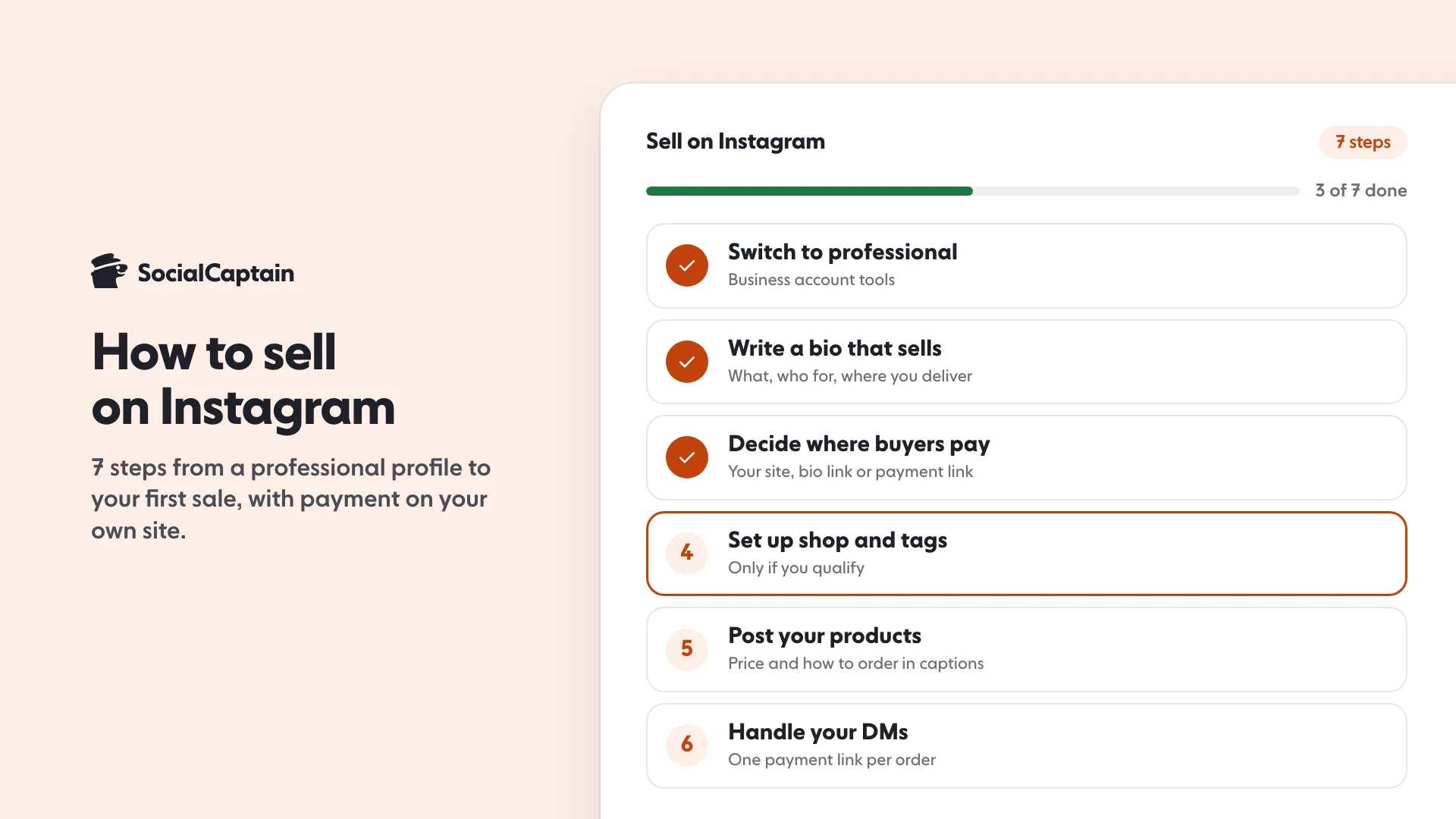
You can sell on Instagram in 7 steps: switch to a professional account, write a bio that says what you sell, decide where buyers will pay, set up a shop and product tags if you qualify, post your products, handle questions in direct messages, and close your first sale. Since the 2025 change, Instagram Shopping sends buyers to your website to pay instead of taking payment inside the app.
Can you sell directly on Instagram?
You can show and tag products on Instagram, but the payment now happens somewhere else. Instagram’s Help Center says shops on Instagram let people see and buy products on the shop’s website, that a shop needs a checkout URL that moves customers to the checkout on your website to be visible, and that some features related to Shops and checkout on Facebook and Instagram are no longer supported. Meta began moving shops to website checkout in June 2025. A buyer taps a tagged product and finishes on your site.
Shops are also tied to setup steps and country availability: a Commerce Manager account that Meta reviews, a product catalog, a checkout URL and a supported country. If you cannot meet them, you can still sell with posts, Stories and direct messages and send buyers to a payment link or a link in your bio.
What are the 7 steps?
- Switch to a professional account. A shop is shown on Instagram through an Instagram business account in your business portfolio. If you are unsure which type fits, read Instagram Creator vs Business Account: 8 Differences.
- Write a bio that sells. Say what you sell, who it is for and where you deliver. The bio generator gives you a starting draft.
- Decide where buyers pay. Your own website, a link-in-bio page or a payment link sent in a message. Pick one route so buyers learn it. The link in bio page builder is one option.
- Set up the shop and product tags if you qualify. This needs a Commerce Manager account, a product catalog and a checkout URL on your own website. If you do not qualify, skip this step.
- Post your products. The next section lists three kinds of content.
- Handle messages. Reply fast, confirm the order in writing, and send one payment link per order.
- Close your first sale and ask for a post. Ship quickly, and ask the buyer to share a photo, with permission to reuse it.
How do you set up a shop?
Instagram’s Help Center lists these set-up tasks, done in Commerce Manager:
- A Commerce Manager account. Meta reviews your shop info, and says the review can take up to 4 weeks.
- A product catalog. You can create one during set-up or use an existing one.
- An Instagram business account in your business portfolio, if you want the shop visible on Instagram.
- A shipping profile with at least one shipping speed.
- A checkout URL that moves customers from your shop to checkout on your website. Your shop is not visible without it.
- A supported country. Meta keeps a list of countries where shops are available, and it changes.
Because availability and rules change, read Meta’s current commerce requirements before you start.
How do you post products?
Three kinds of post are a good start:
- Product photos with the price and how to order, in daylight, one item per post.
- Short Reels showing the product in use, being made or being packed.
- Stories with stock updates, pickup days and new arrivals, using the link sticker where you can. Instagram Stories Ideas: 40 Prompts and Sticker Plays gives you prompts.
Put the price and the next step in every caption, for example “$45, DM me to order, ships in three days”. A buyer who has to ask for the price may simply move on.
How do you handle DMs and checkout?
Treat messages like a small shop counter:
- Reply quickly to every question.
- Save repeated answers as saved replies: price list, shipping times, order confirmation.
- Confirm the order in writing: item, size or colour, price and delivery.
- Send one payment link for the order. Never ask for card numbers in a message.
- Ship after payment clears for custom orders.
Check your message requests folder daily, since messages from people you do not follow can land there.
How do you get your first sale?
Start with the people who already know you: message friends, customers and community groups with one clear offer. Post your product three times a week for two weeks and ask one question in each caption. Reply to every comment. A first sale usually comes from someone who has seen you several times, not from one post.
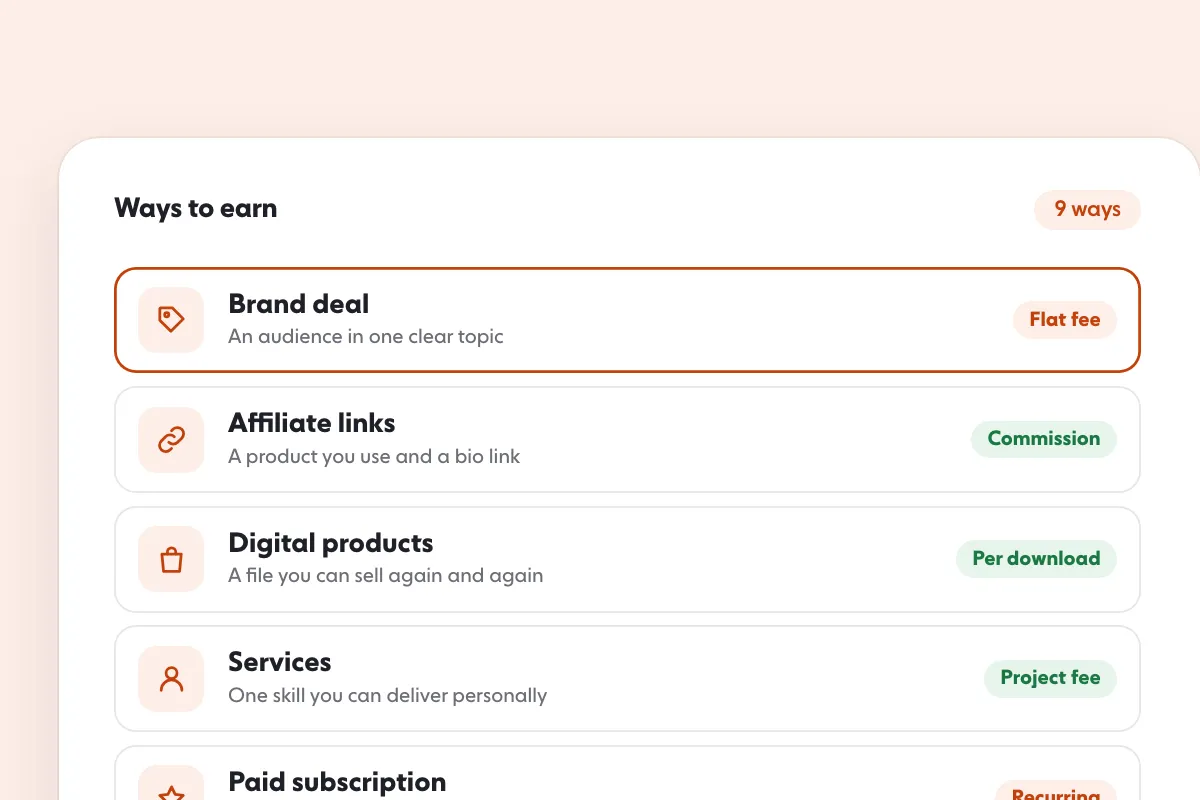
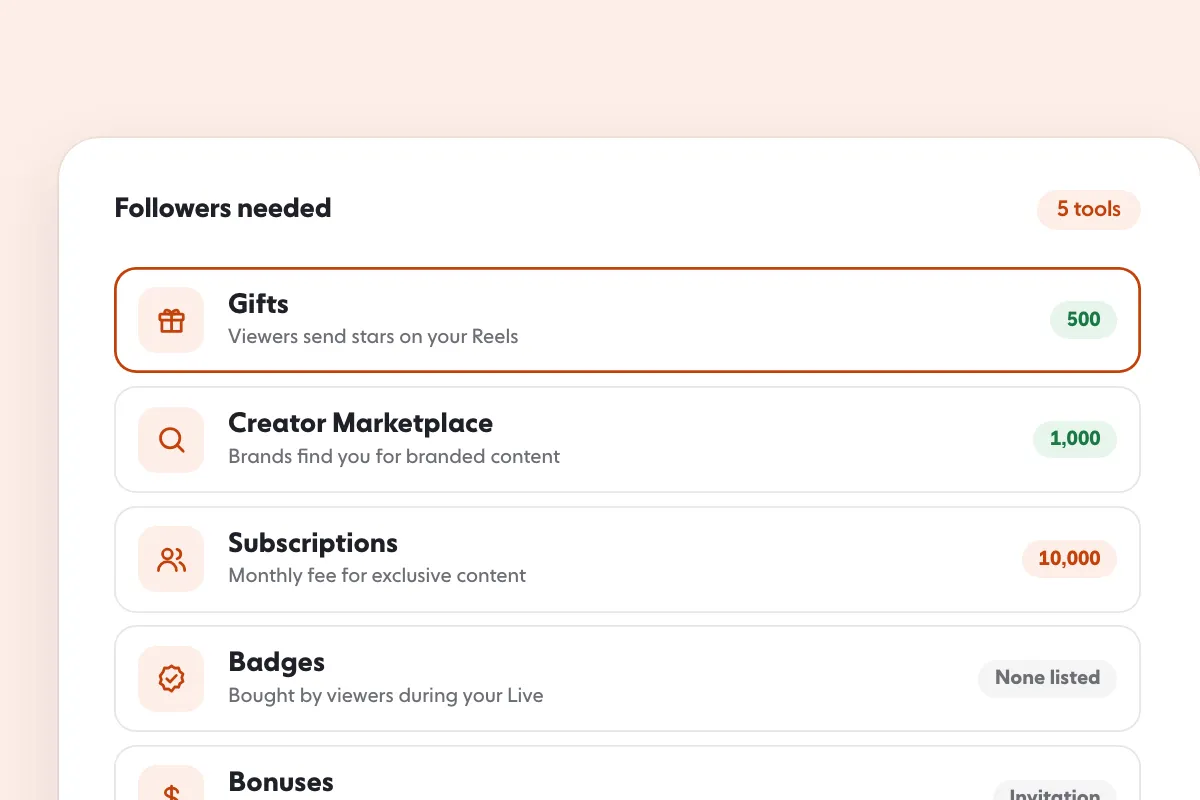
To get seen by more people who fit your product, SocialCaptain’s plans add real followers who match your niche, country, language and interests. The strategy side is in Instagram Marketing Strategy: 7 Steps for Small Businesses, and income beyond product sales is in How to Make Money on Instagram: 9 Ways and What Sets the Pay. For the full list of ways Instagram itself pays creators, see Instagram Monetization: 5 Built-in Tools and Requirements.
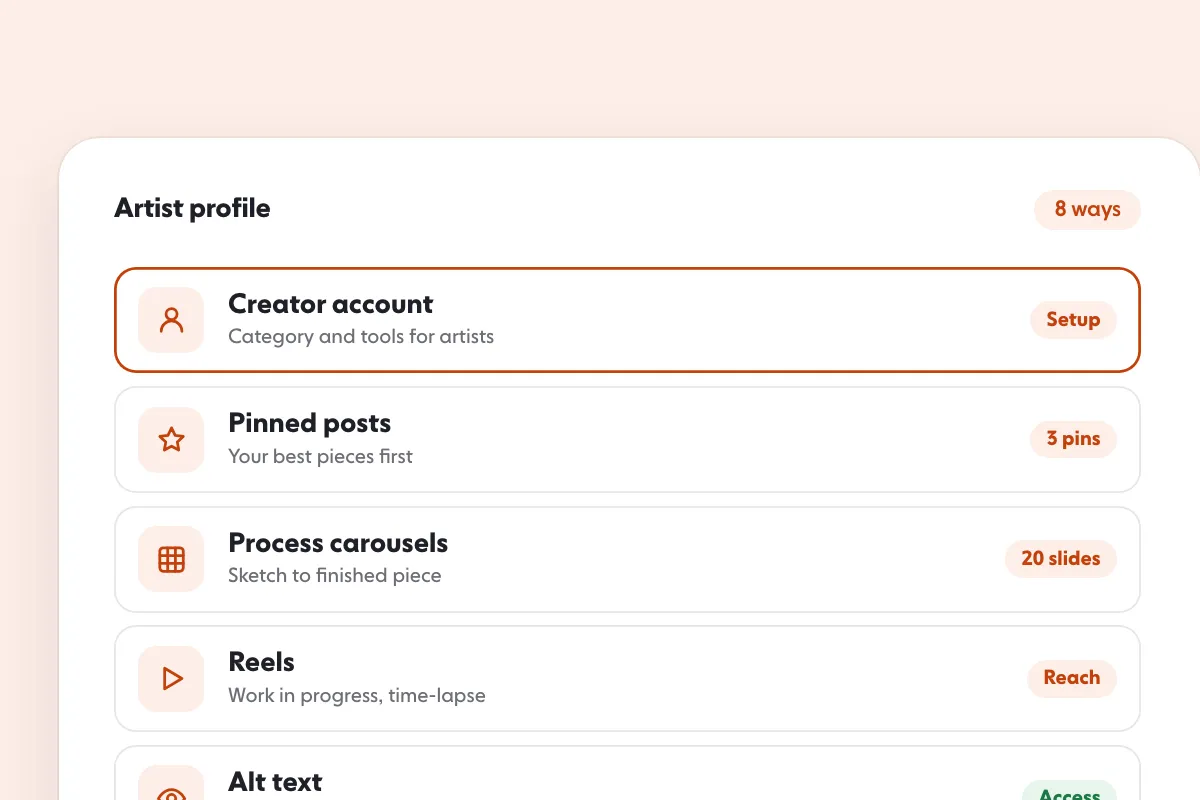
Artists selling prints or commissions can see Instagram for artists: 8 ways to get seen and sell.
FAQ
Can you sell directly on Instagram?
You can tag products and run a shop if you qualify, but since the 2025 change buyers finish checkout on your website. Without a shop you can sell through posts, Stories and messages with a payment link.
How do you set up a shop on Instagram?
Create a Commerce Manager account, connect a product catalog, link an Instagram business account, add a checkout URL on your website and add a shipping profile. Meta says its review can take up to 4 weeks, and the rules change, so check them before you start.
Do you need an Instagram shop to sell?
No. Many sellers use a link in bio or a payment link sent in a message. The shop is an option for those who qualify.
How do you take payment on Instagram?
Send a payment link or direct the buyer to your website. Never ask for card numbers in a message.
How do you get your first sale on Instagram?
Offer one clear product to people who already know you, post it regularly with the price and how to order, reply to every comment and message quickly.
Sources
- Set up a shop on Facebook and Instagramhelp.instagram.com
- How shops on Instagram workhelp.instagram.com
Related guides
Written by Lena Ashby
Creator business and analytics editor
Lena Ashby covers the business side of Instagram on the SocialCaptain blog: Insights and engagement rates, when to post, content plans and how creators earn. Each article says where its figures come from and lists its sources at the end.
All articles by Lena Ashby


