Banned Instagram Hashtags: How to Check One in 4 Steps
Quick answer
To check whether an Instagram hashtag is banned, search it, open its tag page, compare it with a similar tag and replace it if two checks look wrong. Instagram publishes no list of banned hashtags, so check each tag on the day you use it.
- Instagram may reopen restricted hashtags after its periodic reviews.
- A restricted tag wastes one of your 5 hashtag slots.
- Check every spelling separately; each one is its own tag.
On this page7 sections
To check whether an Instagram hashtag is banned, search for it in the app, open its page, compare it with similar tags and look at what Instagram shows. That is 4 steps, and it is the only method, because Instagram does not publish a list of banned hashtags. Its help center says a hashtag may not be searchable if its text or the content under it consistently breaks the Terms of Use or Community Standards. This guide covers the 4 steps, why tags get restricted, what happens when you use one and 5 ways to pick safe replacements.
What is a banned hashtag on Instagram?
It is a hashtag Instagram has made hard or impossible to find because of what gets posted under it. The help page “Why you can’t search for certain hashtags on Instagram” puts the rule in two lines: a hashtag may not be searchable if the text of the tag, or the content associated with it, consistently does not follow the Terms of Use or Community Standards. Instagram reviews these hashtags periodically and may make one searchable again if the content or the text changes over time.
A second page, “How posts appear on Instagram hashtag search results”, adds that Instagram may remove posts from the results when people use a hashtag for content that goes against the Community Standards. So there are two levels: a tag that cannot be searched at all, and a tag that stays searchable while some of its posts are removed from the results.
“Banned” is the word people use. Instagram’s own pages say “not searchable” and “may remove”, so this guide uses the same careful words where it describes what Instagram states.
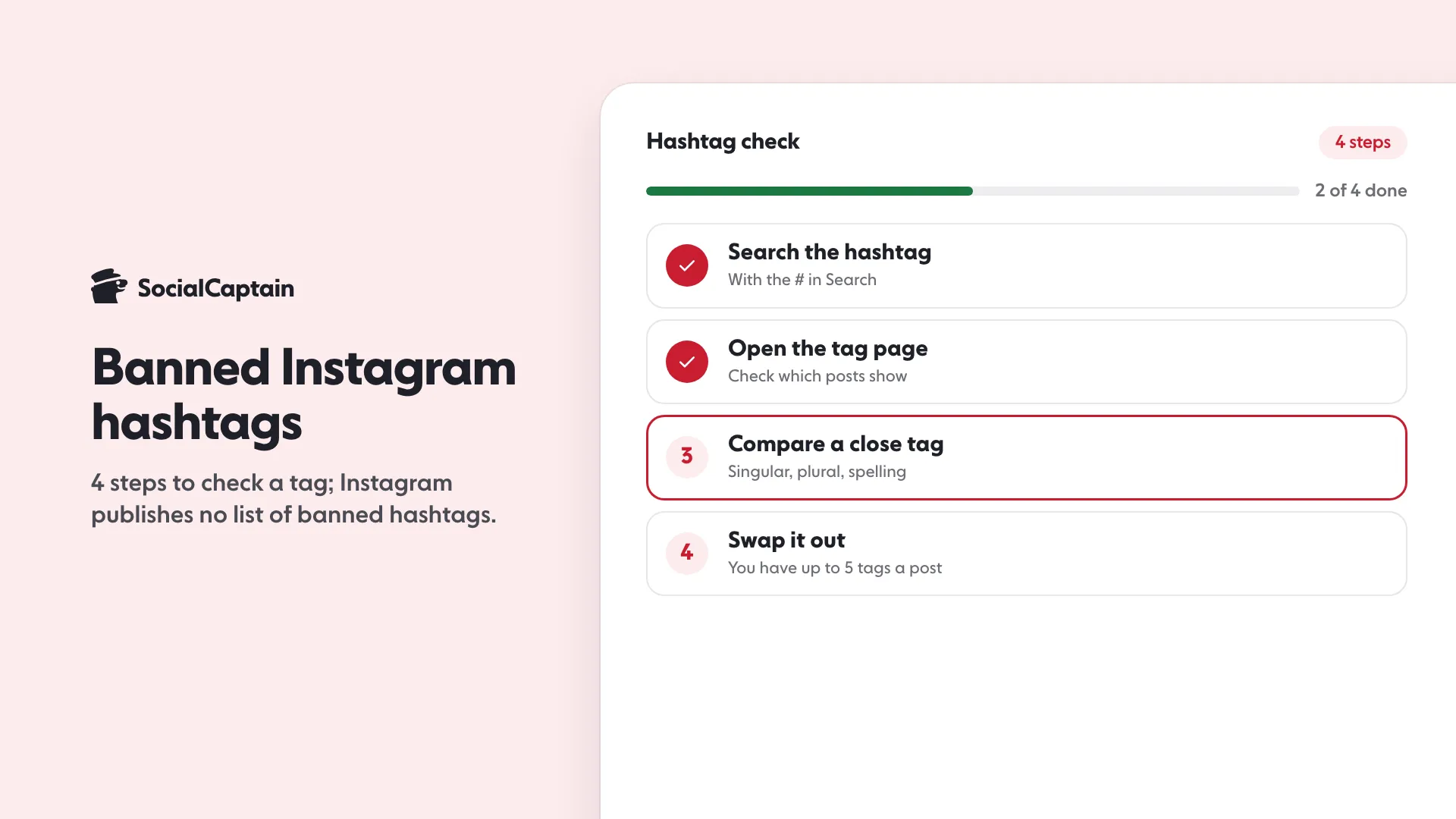
How do you check one in 4 steps?
You cannot ask Instagram for a status, so you check what the app shows. Do it on your phone, in the Instagram app.
- Search for the hashtag. Type it in Search with the
#and look at the results. A tag that Instagram has made unsearchable may not appear the way a normal tag does. - Open the tag page and read what is there. Look at whether posts show under it, and in which order. Instagram says the order depends on when the post was shared, how others engage with it and whether it meets the Recommendation Guidelines. A tag with no posts at all, or only very old ones, is a warning sign. That is our reading, not an Instagram statement.
- Compare it with a close cousin. Search a similar tag, such as the singular and the plural, or the tag without a typo. If the cousin returns normal activity and yours returns almost nothing, yours is the problem. Also check the spelling: Instagram says numbers are allowed in hashtags but spaces and special characters such as $ or % won’t work.
- Decide and replace. One missing signal is not proof. If two of the first three checks look wrong, drop the tag from your set and use a replacement. A swap costs nothing, and you have at most 5 slots, so each one should be a tag that clearly works.
These checks show symptoms, not a verdict, because Instagram does not publish the status of an individual tag. If you spot an inappropriate hashtag, the help center encourages you to report it.
Why do hashtags get banned?
Instagram gives one reason, stated broadly: the tag, or the content under it, consistently does not follow its Terms of Use or Community Standards. It does not list individual words or a count of reasons. What the pages let you conclude:
- The content under the tag is the problem, not the word. A harmless word can be restricted when it becomes the label for rule-breaking posts.
- It is not permanent. Instagram reviews these tags and may reopen one when its content changes.
- Each spelling is its own tag. A slightly altered spelling of a restricted tag is a different tag with its own content under it, so check every spelling on its own.
Hashtag lists published online claim to know every banned word. Treat them as out of date by the time you read them, since Instagram says it re-reviews tags over time. Check a tag on the day you use it.
What happens if you use one?
According to Instagram’s pages, posts may be removed from the results for a hashtag when it is used for content that breaks the Community Standards, so your post may simply not appear under that tag. The pages do not say that a restricted tag lowers the reach of the rest of your post or your account, and we do not claim it does.
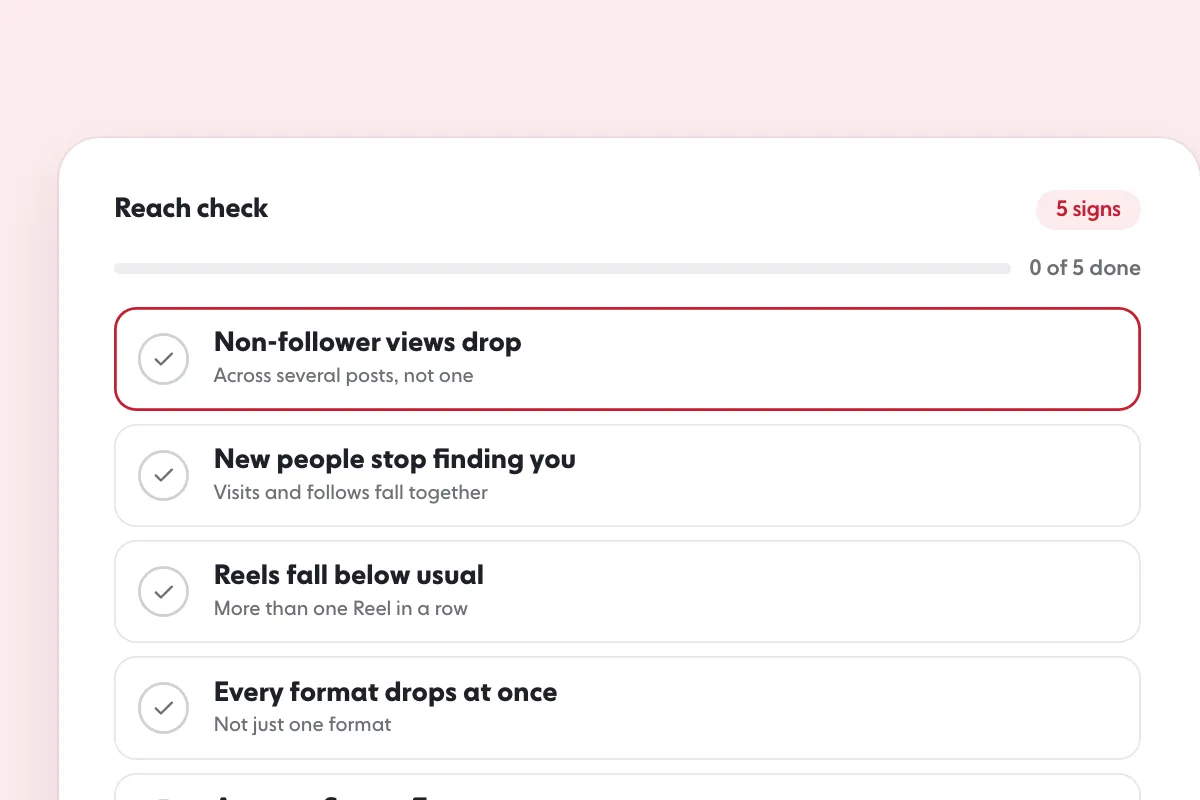
What is documented is separate: content that is removed for breaking the Community Standards shows up in Account Status, and repeated removals can lead to losing access to the account. If your own content did not break a rule, a restricted tag is a wasted slot, not a strike. To see what Instagram has recorded for your account, tap Profile, then Menu, then Account Status. If reach is down overall and you want to find out why, Instagram shadowban: 5 signs, how to check and 6 fixes walks through it, and How to increase Instagram reach: 10 fixes for low reach lists what else moves reach.
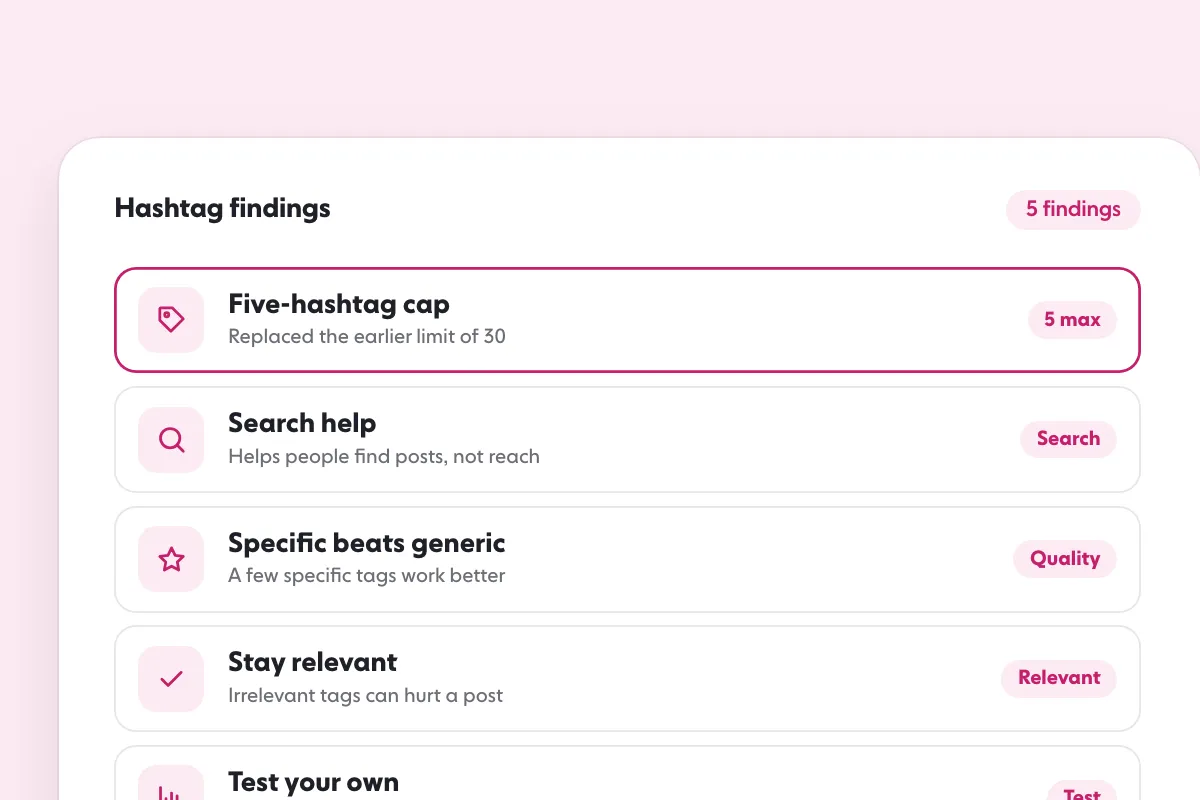
The bigger point is the cap. Instagram’s help center now lets you use up to 5 hashtags on a post, and reports from 19 December 2025 describe the cap as a cut from 30. A restricted tag therefore takes a fifth of your set. Do hashtags still work on Instagram? explains the change and the role tags now play.
Where do you find safe replacements?
Five dependable routes, each of which shows you that a tag is alive before you use it:
- Search the topic in the app and note the tags that appear with normal activity under them.
- Look at accounts like yours. Open recent posts from accounts in your niche and read the tags that appear repeatedly.
- Pick specific over generic. Instagram’s head said when the cap was reported on 19 December 2025 that a few specific tags perform better than a long list of generic ones, and that hashtags can help with search but do not necessarily increase reach, so a tag that names exactly what the post is about beats a vague one.
- Run each candidate through the 4 checks above on the day you post.
- Keep a short tested list per topic, and re-test it once a month.
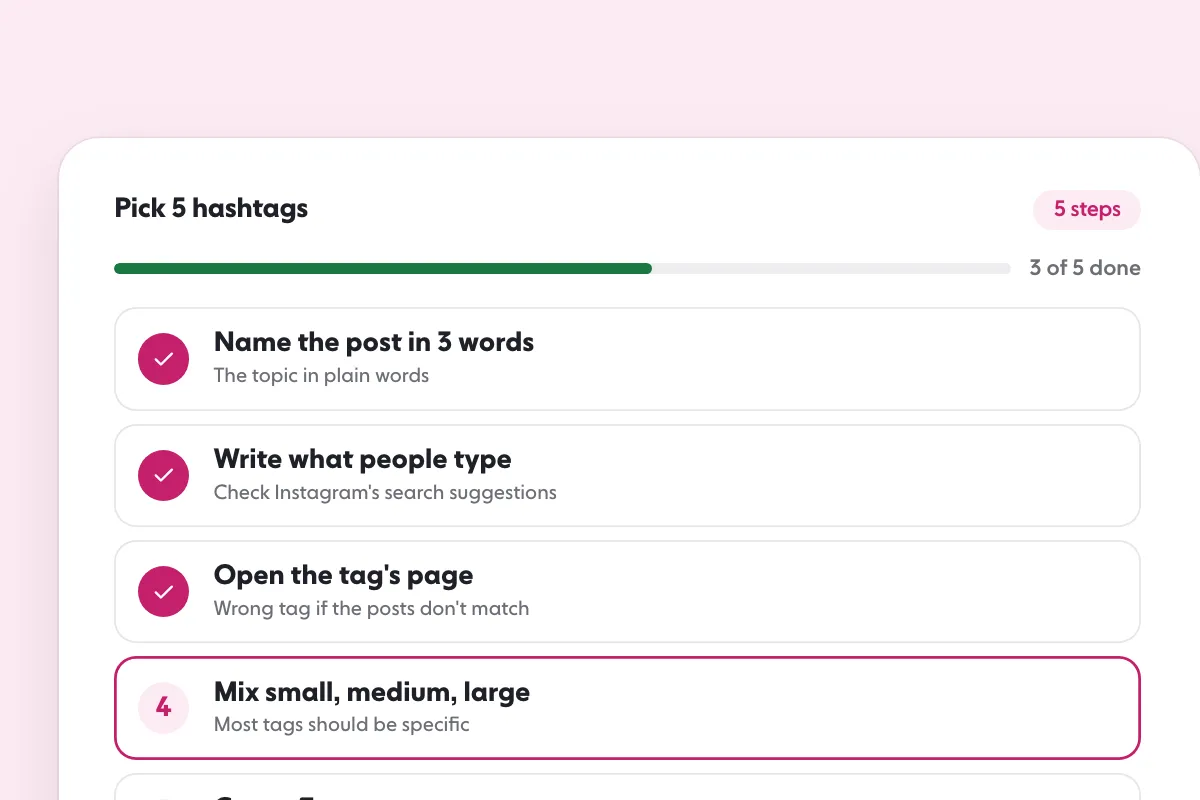
Our free Instagram hashtag generator builds sets of 5 from a topic, ready to check with the steps above. For picking by niche, best hashtags for Instagram goes deeper, and how to get more likes on Instagram covers what moves a post once the tags are right.
Tags help people find a post. They do not make people follow. If you want your profile shown to real people who match your niche, country, language and interests, SocialCaptain does that without a password and without bots.
FAQ
Is there an official list of banned Instagram hashtags?
No. Instagram’s help center explains the rule, that a hashtag may not be searchable if its text or content consistently breaks the Terms of Use or Community Standards, but it does not publish a list. The only way to know is to check the tag yourself.
Can a banned hashtag become usable again?
Yes. Instagram says it reviews these hashtags periodically and may make one searchable again if the content or the text of the hashtag changes over time.
Does one banned hashtag hurt the rest of my post?
Instagram’s help pages do not say so. They say posts may be removed from the results for a hashtag that is used for content breaking the Community Standards. Treat the tag as dead weight and swap it out rather than assuming a wider penalty.
What is the hashtag limit per post now?
Up to 5 on a post. Instagram’s help center says that if you include more than 5 tags on a single photo or video, your comment won’t post.
How do you report an inappropriate hashtag?
Instagram encourages people to report inappropriate hashtags and links to a help page on how to do it.
Sources
- Why you can’t search for certain hashtags on Instagramhelp.instagram.com
- How posts appear on Instagram hashtag search resultshelp.instagram.com
- Use hashtags on Instagramhelp.instagram.com
- Check your Account Status on Instagramhelp.instagram.com
Related guides
Algorithm and reach
Instagram Shadowban: 5 Signs, How to Check and 6 Fixes
Written by Clara Ivens
Instagram growth editor
Clara Ivens covers Instagram growth on the SocialCaptain blog: followers, Reels, hashtags, bios, captions and how reach works. Each guide follows Instagram's own help pages and announcements, and lists its sources at the end.
All articles by Clara Ivens


